
- Hosting
- |
- WordPress
What Is Web Hosting? A Simple Beginner Guide (and Where to Buy It)
By Ehasanul Haque
Posted on October 9, 2026
Want a website but have no idea where it actually “lives”?
You’re not alone. Hosting is the part of building a website that confuses beginners the most.
Pick the right host, and your site loads fast and stays online. Pick the wrong one, and you’ll fight slow pages, downtime and surprise bills.
Don’t worry. You don’t need to be technical to understand hosting. Once you see the simple idea behind it, the rest falls into place.
In this guide, I’m going to answer what is web hosting in plain English, show you how it connects to your domain, explain the main types, and point you to the best places to buy it.
Let’s dive right in.
Key Takeaways
- Web hosting is rented space on a computer that’s always online: it stores your website and shows it to visitors.
- Your domain points to your hosting: the domain is the address, the hosting is where the site actually lives.
- Most beginners only need shared or managed WordPress hosting: VPS and dedicated servers can wait.
- Look at the renewal price: the cheap monthly price usually needs a long contract and goes up later.
What Is Web Hosting? (Quick Explanation)
Web hosting is a service that stores your website’s files on a powerful computer called a server and makes them available to anyone on the internet, 24 hours a day.
So what is web hosting in everyday terms? Think of your website as a shop.
Your products, signs and shelves are your website’s files: pages, images, text. They need a building to sit in.
Hosting is that building. You rent space in it every month or year.
The difference? This building never closes. It stays open day and night, so anyone, anywhere, can walk in at any time.
You could, in theory, run a server from your own computer at home. But it would need to stay on forever, never lose power, and handle visitors from around the world.
That’s why almost everyone rents space from a hosting company instead. They run the servers, so you don’t have to.
How Does Web Hosting Work?
Web hosting works by keeping your website on a server, then sending a copy of each page to a visitor’s browser the moment they ask for it.
Here’s what happens in the second after someone visits your site:
- They type your domain name into their browser.
- The internet looks up which server your domain points to.
- Their browser asks that server for your page.
- The server sends back the files: text, images and code.
- The browser puts it all together, and your page appears.
That’s it. It happens every time anyone opens any page on your site.
A good host does this quickly, for many visitors at once, without breaking a sweat. A cheap, overloaded one makes everyone wait.
How Do Web Hosting and Your Domain Connect?
Your domain name is your website’s address, and your hosting is the place that address leads to. You connect them by pointing the domain at your host.
Picture it like this:
- Domain name = the address you give people.
- Web hosting = the actual building at that address.
- Your website = everything inside the building.
When you buy hosting, your host gives you two short lines called nameservers (they look like ns1.yourhost.com). You paste them into your domain’s settings, save, and you’re done.
From then on, anyone who types your domain lands on your host’s server.
Plain and simple.
Many hosts even sell the domain too, or give you one free for the first year, so the connection happens automatically. If you want to understand the domain side first, read our guide on what a domain name is.
The deeper details (DNS records, IP addresses, moving hosts) are in our advanced hosting management guide. You don’t need them to get started.
What Do You Get With a Web Hosting Plan?
A hosting plan gives you server space plus the tools you need to run a website. Most plans include:
- Storage for your files, images and database.
- Bandwidth or visits, the amount of traffic your plan can handle each month.
- A free SSL certificate, the padlock that makes your site load over https.
- One-click WordPress install, so you don’t set anything up by hand.
- A control panel, the dashboard where you manage everything.
- Backups, so you can restore your site if something goes wrong.
- Email accounts like you@yourdomain.com, on many plans.
- Support, usually chat, sometimes phone.
Not every plan includes everything. Backups and email are the two things worth double-checking before you pay.
What Are the Different Types of Web Hosting?
There are five main types of web hosting. The difference is how much of the server you get, and how much work the host does for you.
Shared Hosting
Shared hosting means your website sits on one server alongside many other websites, and you all share its power.
It’s like renting a room in a shared house. Cheap, easy, and fine for most new sites.
The catch? If a neighbour gets very busy, everyone can slow down a little.
Good for: blogs, portfolios and small business sites just starting out.
Managed WordPress Hosting
Managed WordPress hosting is hosting built only for WordPress, where the host handles speed, security, updates and backups for you.
It’s like renting an apartment with a building manager. You pay more, but someone else fixes the plumbing.
Good for: business sites that earn money and owners who don’t want to deal with technical tasks.
VPS Hosting
A VPS (virtual private server) gives you your own fixed slice of a server’s power, which no neighbour can take.
More speed and control, but you often manage more of it yourself.
Good for: growing sites and people comfortable with a bit of technical work.
Cloud Hosting
Cloud hosting runs your site across a network of servers, so it can borrow more power when traffic jumps.
Good for: sites with busy spikes, like a shop during a sale.
Dedicated Hosting
Dedicated hosting gives you an entire physical server all to yourself.
Maximum power, maximum price, and you need real technical skills or a team.
Good for: very large sites. Not beginners.
Here’s the quick view:
| Type | You get | Technical skill | Typical cost |
|---|---|---|---|
| Shared | A room in a shared house | None | Lowest |
| Managed WordPress | A managed apartment | None | Medium to high |
| VPS | Your own guaranteed slice | Some | Medium |
| Cloud | Power that grows on demand | Some | Varies with use |
| Dedicated | The whole building | A lot | Highest |
Starting your first website? Shared hosting is all you need. You can upgrade later without rebuilding anything.
What Is Web Hosting Going to Cost You?
Beginner web hosting usually costs about $2 to $4 a month at first, then roughly $8 to $18 a month when it renews. Managed WordPress hosting starts around $28 to $35 a month.
Here’s the part nobody shouts about.
That tiny monthly price usually needs a long contract, often 3 or 4 years paid upfront. When the contract ends, the price jumps.
A few real examples, checked on each host’s own site in October 2026:
- Hostinger Premium: $2.99 a month on a 48-month term, then $10.99 a month.
- SiteGround StartUp: $3.99 a month for the first year, then $17.99 a month.
- Kinsta: $35 a month, or $30 a month if you pay yearly. No bait price.
So always ask two questions before you buy: how long is the contract, and what does it renew at?
Where Can You Buy Web Hosting?
You buy web hosting from a hosting company. There are thousands, but these six cover almost every beginner and growing site.
WordPress.org itself recommends three hosts on its official hosting page: Pressable, Bluehost and Hostinger (October 2026).
1. Hostinger: Best for Most Beginners
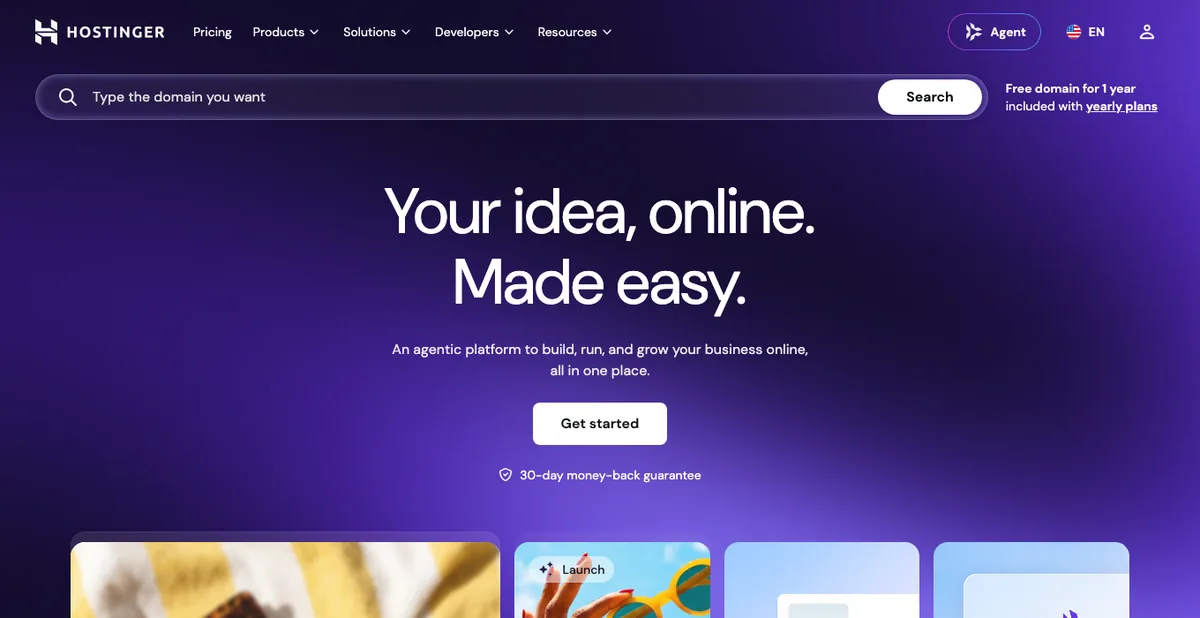
Hostinger is the easiest place for most beginners to start, and it’s one of the three hosts WordPress.org recommends.
Its Premium plan was $2.99 a month on a 48-month term in October 2026, renewing at $10.99. You get three websites, a free domain for the first year, and a free SSL.
Everything happens in hPanel, Hostinger’s own dashboard, which is simple and clearly labelled. Its servers run LiteSpeed, a fast web server software.
Best for: first websites, blogs and small business sites on a budget.
2. SiteGround: Best Support for Small Businesses
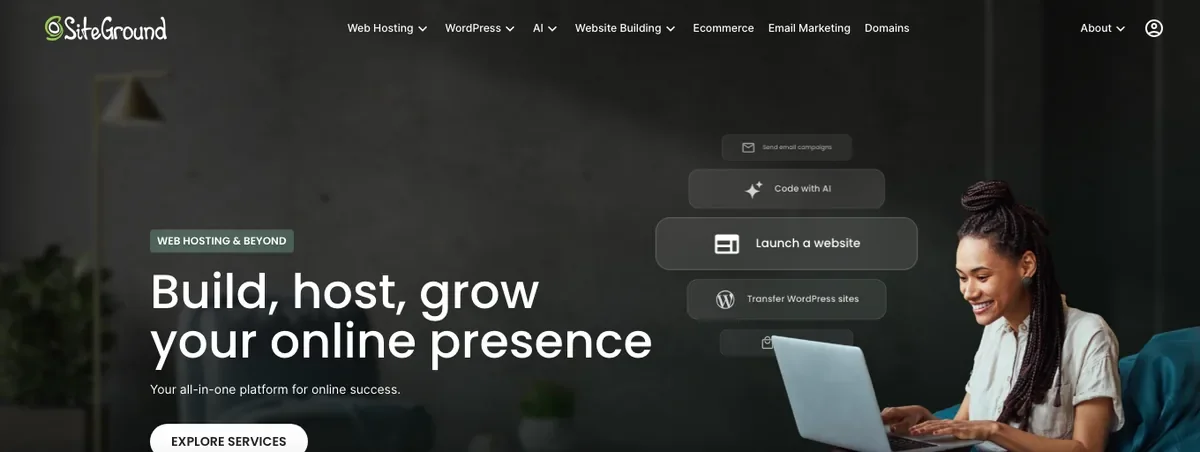
SiteGround is known for fast, friendly support and a polished dashboard.
The StartUp plan was $3.99 a month for the first year in October 2026, then $17.99 a month. It covers one website with daily backups, a free CDN and free email.
You manage your account in the Client Area and each website in Site Tools. Staging (a safe test copy of your site) starts on the GrowBig plan.
Best for: small businesses that value great support and don’t mind a higher renewal.
3. Kinsta: Best Premium Managed WordPress Hosting
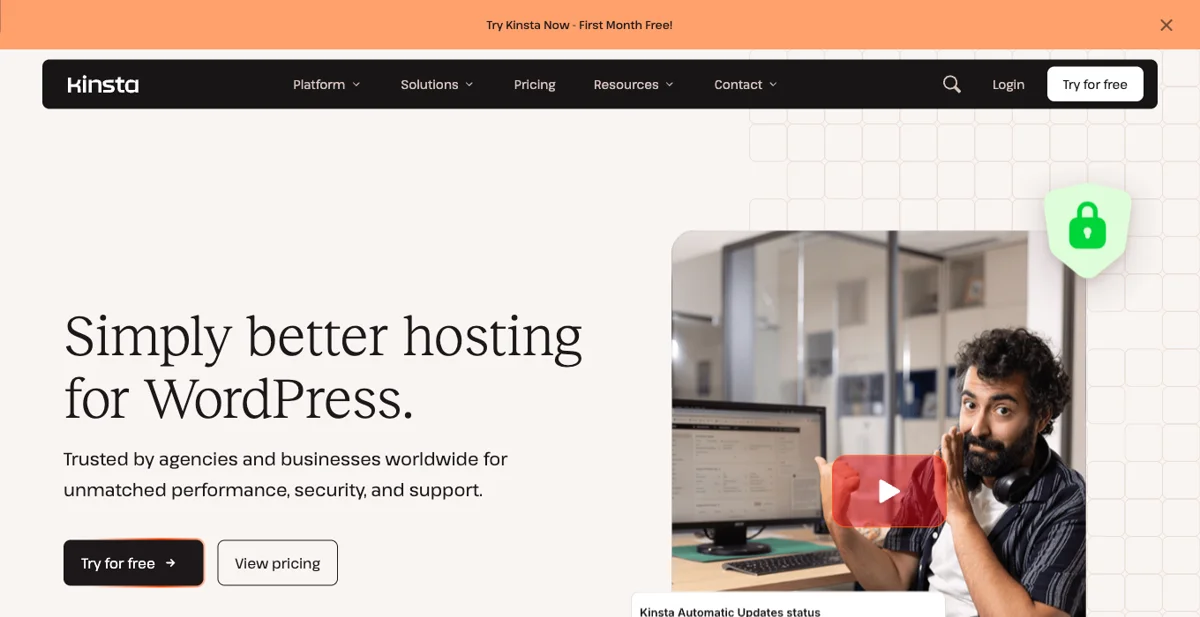
Kinsta is premium managed WordPress hosting for sites that make money or get serious traffic.
Plans started at $35 a month, or $30 a month billed yearly, in October 2026. The Launch plan covers about 75,000 visits a month with staging, a CDN and 14 days of backups.
Its MyKinsta dashboard is one of the cleanest in hosting. You pay more, but the host handles speed and security for you.
Best for: businesses and busy sites that want speed without the technical work.
4. Bluehost: The Long-Time WordPress Pick
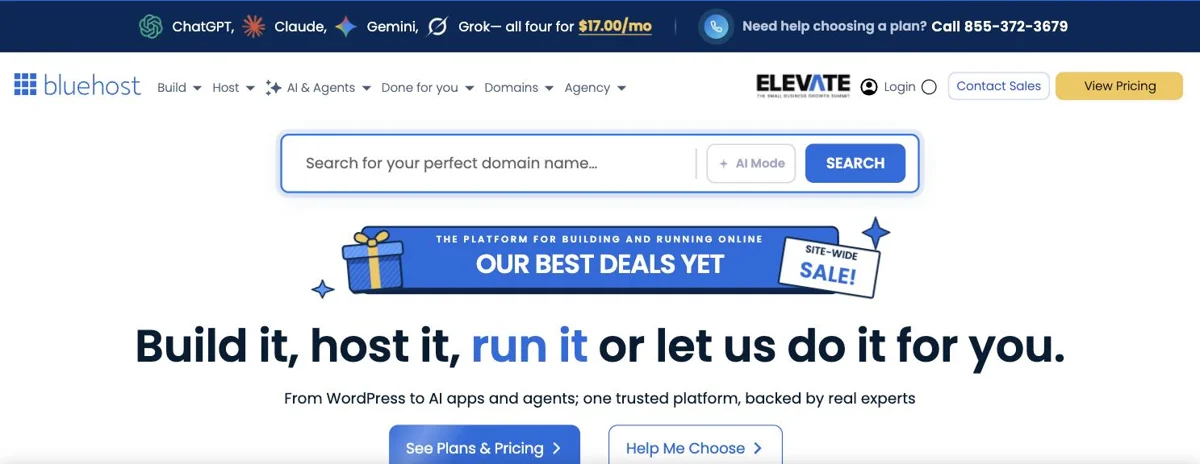
Bluehost says it has been officially recommended by WordPress.org since 2005, and it’s still on that list today.
The Starter plan was $3.99 a month on a 36-month term in October 2026, renewing at $9.99. A free domain for the first year is included.
It isn’t the fastest host around. But it’s simple, built for WordPress, and very beginner-friendly.
Best for: first-time WordPress users who want a well-known name.
5. DreamHost: The Budget-Friendly Long-Term Choice
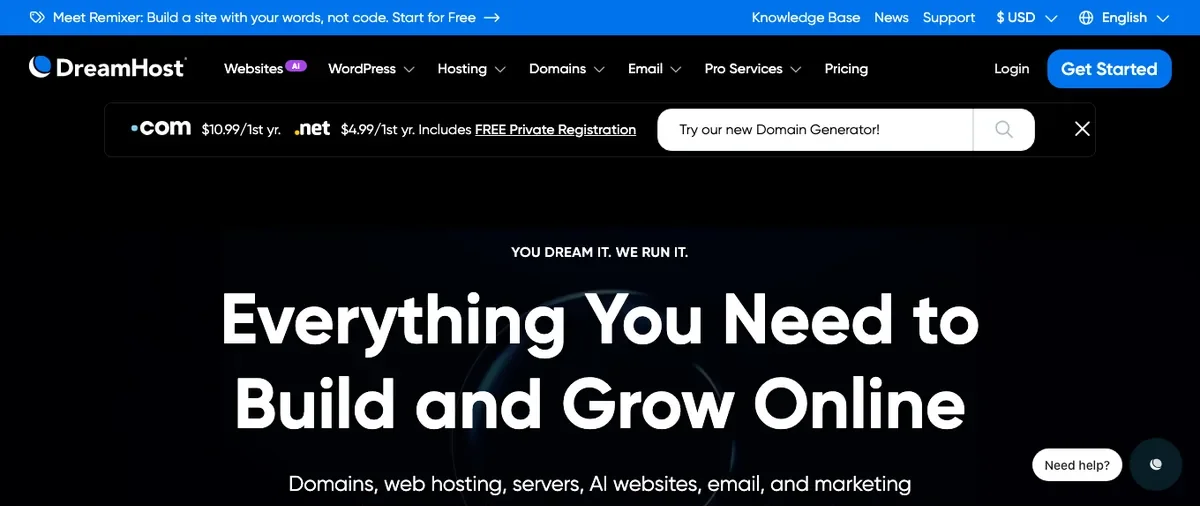
DreamHost keeps prices low and contracts honest.
Its WordPress Launch plan was $1.99 a month for four years in October 2026, renewing at $7.99. That renewal was the lowest of these six. It includes a free domain for a year, daily backups, and a 30-day money-back guarantee.
Best for: bloggers and long-term personal sites watching every dollar.
6. WP Engine: Managed Hosting for Professionals
WP Engine is premium managed hosting built only for WordPress, popular with agencies and growing brands.
The Essential plan was $28 a month billed yearly in October 2026, for one site and about 25,000 visits a month. It includes one-click staging, a global CDN, and automatic backups.
Best for: agencies, developers and businesses that need professional tools.
| Host | Type | Starts at (Oct 2026) | Renews at | Best for |
|---|---|---|---|---|
| Hostinger | Shared | $2.99/mo (48 mo) | $10.99/mo | Most beginners |
| SiteGround | Shared, managed features | $3.99/mo (12 mo) | $17.99/mo | Support |
| Kinsta | Managed WordPress | $30/mo yearly | Same | Busy business sites |
| Bluehost | Shared | $3.99/mo (36 mo) | $9.99/mo | First WordPress site |
| DreamHost | Shared | $1.99/mo (48 mo) | $7.99/mo | Lowest long-term cost |
| WP Engine | Managed WordPress | $28/mo yearly | After year one | Agencies |
Want a deeper side-by-side? Our top hosting providers for WordPress roundup compares them in more detail.
Which Web Hosting Should You Choose?
Still unsure? Match your situation to a pick:
- First website on a small budget: Hostinger or DreamHost.
- You want help whenever you’re stuck: SiteGround.
- You want the WordPress.org-recommended route: Hostinger or Bluehost.
- Your site earns money and must be fast: Kinsta or WP Engine.
You can’t go badly wrong with any of these. And you can always move hosts later.
How to Buy Hosting and Get Your Site Live
Getting started takes about 20 minutes. Here’s the whole process:
- Pick a host and a plan. A basic shared plan is plenty for a new site.
- Choose the contract length. Longer is cheaper per month, but check the renewal.
- Get your domain. Claim the free one, or connect a domain you already own.
- Create your account with an email you’ll keep for years, and turn on two-factor login.
- Install WordPress with your host’s one-click installer.
- Check that SSL is on, so your site loads with the padlock.
- Log in to WordPress and start building.
Need a hand with step five? Our step-by-step WordPress install guide walks you through it.
Common Web Hosting Mistakes Beginners Make
Most hosting regrets come from the same few mistakes:
- Choosing on the first-month price alone. Check the renewal and the contract length.
- Buying more than you need. A new site doesn’t need a VPS.
- Ignoring backups. Make sure your plan includes them, or add your own.
- Picking a host with no WordPress installer. It makes setup much harder.
- Keeping everything in a developer’s account. The hosting should be in your name.
- Never checking the account email. Renewal and security notices go there.
Avoid these, and you’re ahead of most new site owners.
What to Do Next
You know what web hosting is. Here’s where to go from here:
- Need a domain first? Read what a domain name is and where to buy one, or compare the best domain registration websites.
- New to WordPress? Start with what WordPress is and why people use it.
- Ready to go deeper? Our advanced hosting management guide covers PHP, caching, backups and more.
Wrapping It Up
So, what is web hosting? It’s the always-on home where your website lives.
Your domain is the address. Your hosting is the building. Connect the two, install WordPress, and you have a real website.
Start with a simple shared plan from a host you trust, check the renewal price, and turn on backups. That’s genuinely all most beginners need.
Over to you: which host are you leaning toward for your first site? Let me know in the comments.
Frequently Asked Questions
What is web hosting in simple words?
Web hosting is renting space on a computer that’s always online, so your website can be seen by anyone on the internet. The hosting company runs the computer for you.
Do I need web hosting if I have a domain name?
Yes. A domain is only the address. You need hosting to store your website’s files so the address actually leads somewhere.
What is web hosting compared to a website builder?
A website builder like Wix or Squarespace includes hosting inside its subscription. With WordPress, you choose and pay for your own hosting, which gives you more control.
Which type of web hosting is best for beginners?
Shared hosting is best for most beginners because it’s cheap and needs no technical skill. Move to managed WordPress hosting when your site starts earning money.
How much does web hosting cost for a small website?
Most small sites pay about $2 to $4 a month at first, then roughly $8 to $18 a month after renewal. Premium managed hosting starts around $28 to $35 a month.
Can I host a website for free?
Some free hosts exist, but they’re slow, limited and often show their own ads. For a real website, a low-cost paid plan is worth it.
Can I change my web host later?
Yes. You can move your website to a new host at any time, and many hosts offer free migration. Your domain simply gets pointed to the new server.
Is WordPress hosting different from normal web hosting?
WordPress hosting is normal web hosting set up specifically for WordPress, with a one-click install and WordPress-friendly speed and security settings.
You May Also Like
-

Hosting Management for Advanced Users
Your site is live. Now what? Most people never open… -
Top 6 Hosting Providers for WordPress
Find the best WordPress hosting for beginners. Compare Hostinger, Bluehost,…