
- WP Plugins
- |
- WordPress
Top 6 WordPress SEO Plugins for Beginners
By Ehasanul Haque
Posted on September 16, 2026

Want Google to actually find your posts?
Then you need an SEO plugin. Not because it does magic, but because WordPress on its own gives you nowhere to write a meta description and only a basic sitemap.
Here’s the catch. There are dozens of them, and they all promise the same thing.
Good news: the choice is simpler than it looks. In this post, you’ll get the 6 best WordPress SEO plugins for beginners, what each one really does, and which one you should install today.
Pick the right one, and it quietly does its job for years. Pick the wrong one, and you spend your writing time staring at a traffic light.
Let’s dive in.
What a WordPress SEO Plugin Actually Does
A WordPress SEO plugin is a tool that controls how your pages appear to search engines: the title and description shown in results, the sitemap that lists your pages, the structured data that describes them, and the rules for what gets indexed.
That’s four jobs: titles and descriptions, sitemap, schema, indexing rules.
Everything else on the settings screen is a bonus, a nag, or an upsell.
Which means you don’t need to understand every tab. You need four things to work.
What it does not do is write your content, choose your keywords, or build links. When people say “I installed an SEO plugin and nothing happened,” that’s why. The plugin set the table. The meal is still on you.
You’ll find the meal in our WordPress SEO for Beginners guide. This post is about picking the plugin.
How We Chose
We compared these six on five things:
- Does the free version cover the four jobs without an upgrade?
- How cluttered does your post editor get after installing it?
- Schema support. Can it describe your pages properly?
- Weight. Some SEO plugins add real overhead, which matters if you’ve read the speed guide.
- How hard does the free version sell you the paid one?
All six are actively maintained and widely used. Prices and install counts were checked in September 2026 on each plugin’s own pricing page or WordPress.org listing. They change, so treat them as a snapshot.
1. Rank Math: The Best Free SEO Plugin
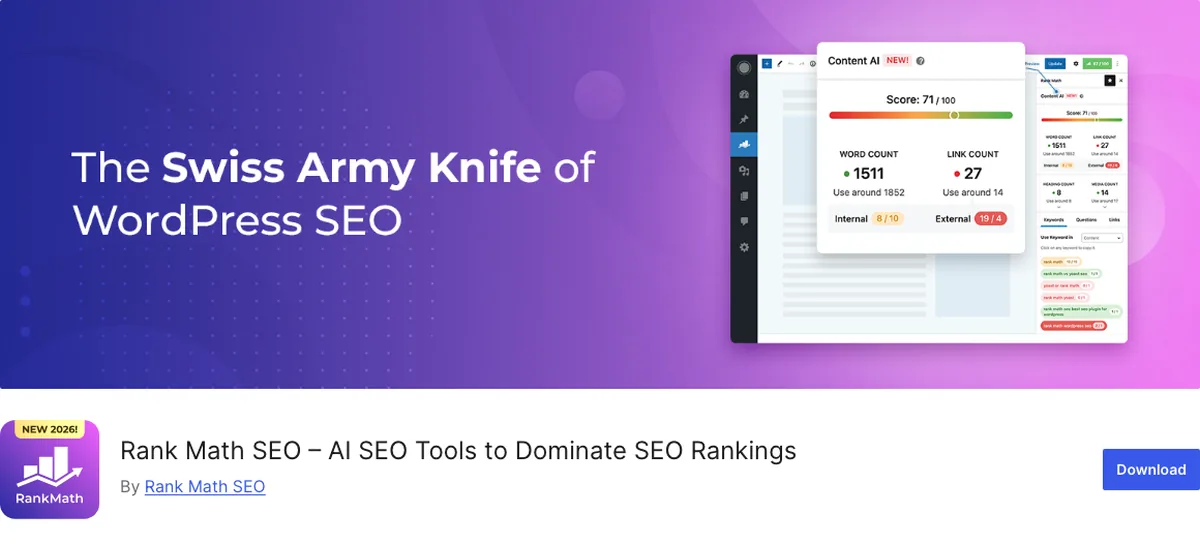
Rank Math is the plugin running on onylogy.com, so this section comes from daily use, not a feature list.
Not paying for SEO? This is the one.
Why It Stands Out
The free version includes things other plugins charge for: multiple focus keywords per post, a redirection manager, a 404 monitor, schema for most page types, and even a local SEO module.
You get all of that without paying a cent.
The setup wizard is genuinely good.
It imports your settings from Yoast if you’re switching, and it lets you turn every module off one by one. That matters, because you won’t need most of them on a five page site.
Pro exists, billed yearly at $95.88 for the first year and renewing at $107.88 (rankmath.com, September 2026). It adds keyword rank tracking and deeper schema. Most beginners never need it.
The routine on this site is smaller than the plugin. Publish the post, open the snippet editor, leave the Title field empty so it inherits the global template, and write a description of 130 to 145 characters. That’s it.
Why 130 to 145 and not the 160 everyone quotes? Because Rank Math measures the description in pixels, not just characters. A description of 158 characters with wide letters can still show red. Plain commas and colons, no dashes, a bit of headroom, and it’s green every time.
Key Features
- Multiple focus keywords, redirections, and a 404 monitor in the free version
- Rich schema options for posts, products, recipes, local business, and more
- Modular: switch off every feature you don’t use
- Migration wizard from Yoast and other plugins
Best for: beginners who want the most features without paying, and who are happy to turn off the ones they don’t need.
2. Yoast SEO: The Best Paid SEO Plugin
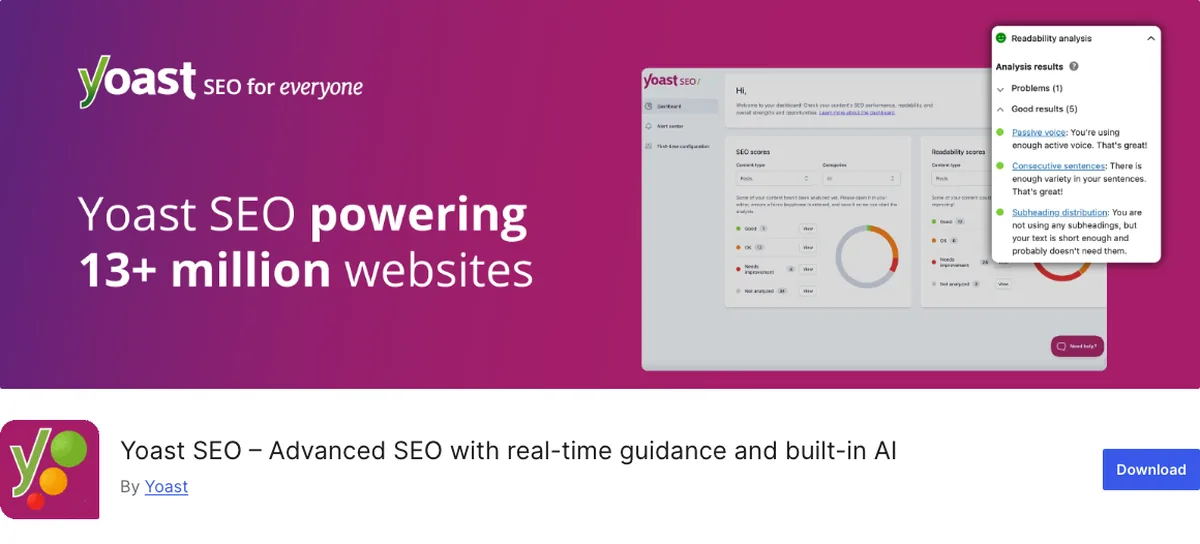
Yoast SEO has been the default WordPress SEO plugin since before most of today’s beginners had a website. It’s on over 10 million sites (WordPress.org, September 2026).
Free Yoast is good. Yoast Premium is the best paid SEO plugin you can buy, and that’s the version this ranking is about.
Why It Stands Out
Yoast invented the traffic-light content analysis that every other plugin then copied.
The readability checks (sentence length, passive voice, paragraph length) are still the most useful version of that idea. If you’re a nervous first-time writer, they’re a decent coach.
Titles, descriptions, sitemap, schema, breadcrumbs, and social previews are all in the free version. All solid.
Premium is where it pulls ahead of everyone. For $118.80 a year for one site, excluding VAT (yoast.com, September 2026), you get a redirect manager that prompts you the moment you delete or move a page, up to five keyphrases per post, internal link suggestions as you write, orphaned content detection, and the Local, Video, and News SEO add-ons bundled in.
That’s the whole SEO toolkit in one licence. Nothing else here packages it that completely.
The complaint about free Yoast is real, though. It puts more upsell in your dashboard than Rank Math does. If you’re not going to pay, that nudging gets old. If you are going to pay, this is the one worth paying for.
Key Features
- The original readability and SEO analysis
- Free sitemap, schema, breadcrumbs, and social previews
- Very large community, tutorials for everything
- Premium bundles redirects, five keyphrases, internal linking, and the Local, Video, and News add-ons
Best for: beginners who are willing to pay for one complete package, or who want the most documented plugin and value the writing feedback.
3. All in One SEO: The Original
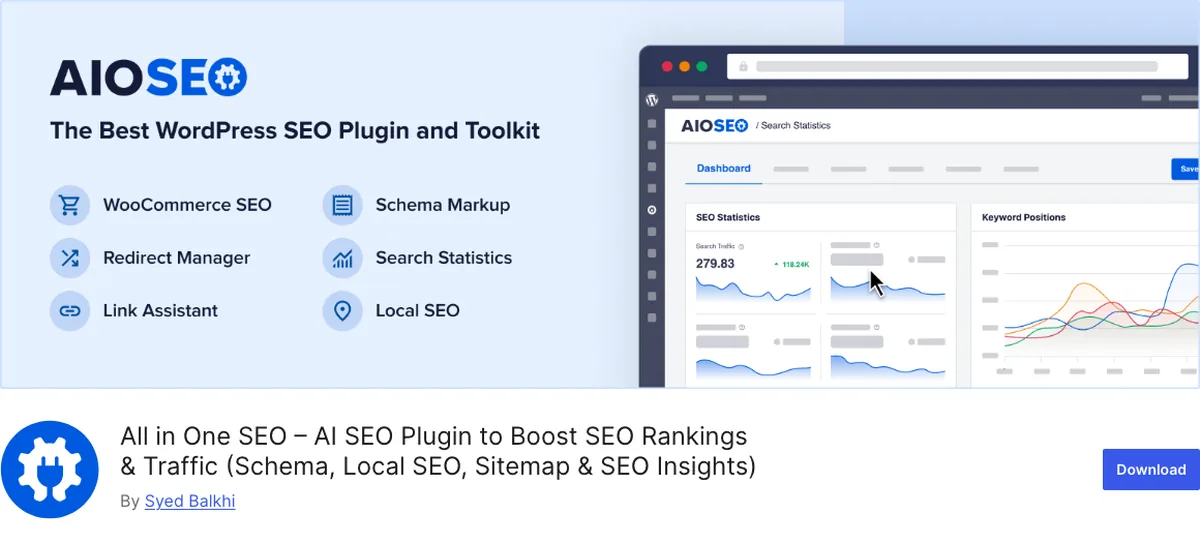
All in One SEO (AIOSEO) has been around since 2007. That makes it older than Yoast, though it went quiet for a while before a new team took it over.
Why It Stands Out
Today’s AIOSEO is a full rebuild.
The free version does the four jobs and adds a “TruSEO” score that’s a bit gentler than Yoast’s.
The setup wizard might be the easiest of the six. If you’ve never seen an SEO setting in your life, you’ll be fine here.
Redirects start at the Basic tier ($49.50 for the first year, renewing at $99, per aioseo.com in September 2026), and local SEO starts at Plus. So the free version is a bit thinner than Rank Math’s. It sits between Yoast and Rank Math on features, and it’s the most beginner-worded of the three.
Key Features
- Beginner-friendly setup wizard and plain-English recommendations
- TruSEO on-page score
- Sitemap, schema basics, and social meta in the free version
- Paid tiers add redirects, local SEO, and video sitemaps
Best for: beginners who found Yoast’s interface intimidating and want the same jobs done with friendlier wording.
4. SEOPress: The Quiet Pro
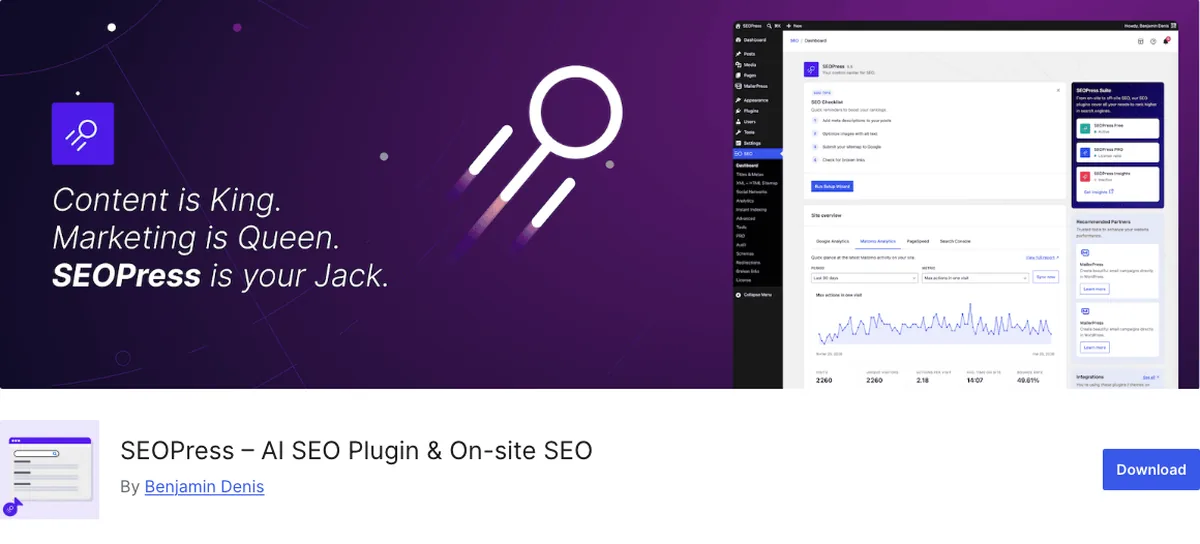
SEOPress is the one professionals recommend when you ask what they’d install on a client site and never hear about again.
Why It Stands Out
No ads in the dashboard. No upsell banners.
The listing literally says “no upsells in admin,” and it’s true.
The free version covers all four jobs cleanly, with white labelling included for free. Pro is $49 a year for one site or $149 a year for unlimited sites (WordPress.org listing, September 2026).
It’s noticeably lighter than Yoast or Rank Math, and the settings are grouped sensibly.
It’s on over 300,000 sites (WordPress.org, September 2026), so it’s not obscure. Just quiet.
The trade-off is community size. Fewer tutorials, fewer YouTube walkthroughs, fewer people in forums who’ve hit your exact problem. For a beginner, that costs something.
Key Features
- Ad-free, upsell-free dashboard
- Lightweight, all four core jobs in the free version
- Pro is priced for unlimited sites
- White-label option
Best for: beginners who want a clean plugin they’ll never have to think about, and don’t need the biggest support community.
5. The SEO Framework: The Set-and-Forget Option
The SEO Framework takes a position: most SEO settings should be automatic, and the plugin should stay out of your editor.
Why It Stands Out
Install it and you’re mostly done.
Titles and descriptions get sensible automatic values you can override per post. The sitemap is on. Schema is on.
No traffic light. No score. No “your post needs work” nagging.
The developers say that’s deliberate. Modern search engines understand context, so a keyword checklist isn’t worth the clutter. The interface is a set of colour-coded bars showing whether each field is filled, and that’s the extent of the coaching.
It’s free with “no ads, tracking, bloat, or nags,” on 200,000+ sites (WordPress.org, September 2026). The Extension Manager adds free extensions for local SEO, honeypot spam protection, and an optional Focus extension if you want a keyword checker after all.
Found the score in Yoast or Rank Math stressful rather than helpful? This is your plugin.
Key Features
- Automatic titles, descriptions, and schema out of the box
- No content score, no ads, no upsells
- Very lightweight
- Free extensions for local SEO, honeypot, and an optional keyword focus checker
Best for: beginners who want SEO handled and never want to look at a score again.
6. Slim SEO: The Minimalist
Slim SEO goes further than The SEO Framework. It has almost no settings at all.
Why It Stands Out
Meta tags, sitemap, breadcrumbs, schema, Open Graph tags, and even basic redirections, all generated automatically.
The settings page is one you’ll visit once.
It’s the smallest plugin here by a wide margin. It’s also the least installed (70,000+ sites, WordPress.org, September 2026), which is a niche, not a warning sign.
A Pro version adds a visual schema builder and Search Console integration if you outgrow it. If you’ve been reading this list wondering why any of this needs a dashboard, Slim SEO agrees with you.
Key Features
- Fully automatic meta, sitemap, schema, social tags, and redirects
- Almost no configuration
- Tiny footprint
Best for: beginners with a simple blog or business site who want the four jobs done and nothing else.
Stop Chasing the Score
One more time, because this is the mistake beginners make most.
The score in Rank Math, Yoast, or AIOSEO checks whether your keyword appears in the title, the first paragraph, a heading, the URL, and the image alt text. Those are useful reminders. They’re also things Google learned to see past around 2013.
Filling every box does not rank a thin post.
Missing two boxes does not sink a good one.
Write the post for the person searching. Fill in the description. Move on.
Quick Comparison
| Plugin | Free covers the four jobs | Content score | Redirects free | Paid tier (Sept 2026) | Best for |
|---|---|---|---|---|---|
| Rank Math | Yes | Yes | Yes | $95.88/yr first year | Best free option |
| Yoast SEO | Yes | Yes | Premium | $118.80/yr, 1 site | Best paid package |
| All in One SEO | Yes | Yes | Basic tier | $49.50/yr first year | Friendliest wording |
| SEOPress | Yes | Optional | Pro | $49/yr, 1 site | Clean, no upsells |
| The SEO Framework | Yes | No | No | Free extensions | Automatic, no nagging |
| Slim SEO | Yes | No | Yes (basic) | Pro available | Zero configuration |
Which SEO Plugin Should You Choose?
- Not paying, want the most? Rank Math. It’s the best free SEO plugin, and it’s the one on this site.
- Paying, want one complete package? Yoast Premium. It’s the best paid one.
- Want the most tutorials and a writing coach, free? Yoast SEO free.
- Found Yoast confusing, want the same thing in plainer words? All in One SEO.
- Want it clean, light, and never sold to? SEOPress.
- Want it automatic with no score? The SEO Framework.
- Want it to just exist? Slim SEO.
Whichever you pick, install exactly one. Two SEO plugins on the same site produce duplicate meta tags and two sitemaps, and Google handles that worse than it handles neither.
Still on the fence? You can’t go wrong with the free version of Rank Math or Yoast. Both are easy to switch away from later.
Final Thoughts
Every plugin on this list does the four jobs. The difference is temperament. Some want to coach you, some want to be invisible, and one bundles everything and lets you decide.
If you’re still stuck, install Rank Math, run the wizard, leave the Title field alone, and write a 140 character description on your next post.
That’s the whole routine. Plain and simple.
Over to you: what score does your last post show right now, and does it match the traffic? Let me know in the comments.
Frequently Asked Questions
Do I need an SEO plugin at all?
For a public site, yes. WordPress has no built-in place to write meta descriptions and only a basic sitemap. Any of these six fills that gap for free.
Which is better, Rank Math or Yoast?
Free against free, Rank Math, because it includes multiple keywords, redirects, and richer schema without paying. Paid against paid, Yoast Premium, because it bundles redirects, five keyphrases, internal linking, and the Local, Video, and News add-ons in one licence.
Will an SEO plugin slow my site down?
Slightly, and it varies. The SEO Framework and Slim SEO are the lightest. Rank Math and Yoast add more, though on a well cached site the difference is small. See the speed guide for what actually moves the numbers.
What does the green or red score mean?
It means you did or didn’t fill in the boxes the plugin checks (keyword in title, description, headings, and so on). It is not a prediction of ranking.
Can I switch SEO plugins later without losing my settings?
Yes. Rank Math, AIOSEO, and SEOPress all import titles, descriptions, and settings from Yoast and from each other. Run the import, check a few posts, then deactivate the old one.
Do I need the paid version?
Not to start. Every plugin here does titles, descriptions, sitemaps, and schema for free. Paid tiers add redirects, advanced schema, local SEO, and keyword tools you can add when a specific need shows up.
Does an SEO plugin replace Google Search Console?
No. The plugin controls what you send to Google. Search Console shows you what Google did with it. Use both, and connect them, which most of these plugins do in a click.
You May Also Like
-

Kadence Blocks Default Settings
Just installed Kadence Blocks and wondering which Kadence Blocks settings… -
Kadence Blocks for WordPress
Building your WordPress site with Kadence Blocks? Good choice. It’s… -
Build a Homepage with Kadence Blocks
Ready to build a homepage with Kadence Blocks and not…