
- KadenceWP
- |
- WordPress
- |
- WP Plugins
Kadence Blocks vs Elementor: Which Should You Choose for Your WordPress Site?
By Ehasanul Haque
Posted on September 27, 2026
Stuck choosing between Kadence Blocks and Elementor?
Good news: the Kadence Blocks vs Elementor comparison collapses to one question, and you can answer it before you read a single feature table.
Does your site need complex, layered, custom design, or does it need to be simple, fast, and easy to keep?
Elementor is the honest answer to the first. Kadence Blocks is the honest answer to the second.
Most small-business sites are the second and get built with the first. That’s where the trouble in year three comes from, and this post spends its second half there, because nobody else does.
Every site Onylogy ships is Kadence Blocks on native Gutenberg, including this one. So read the Elementor sections knowing that, and read the Kadence sections knowing they come from daily use.
Deciding between Elementor and the block editor in general? The Elementor vs Gutenberg guide is the version without a Kadence assumption. This one assumes you’ve narrowed it to these two.
Let’s dive in.
What Each One Is
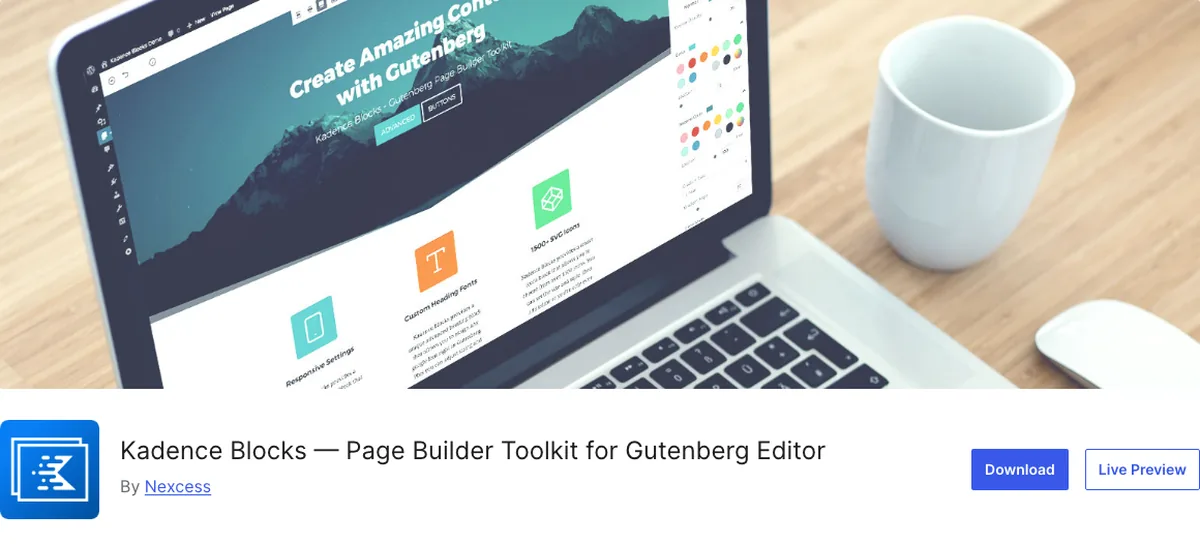
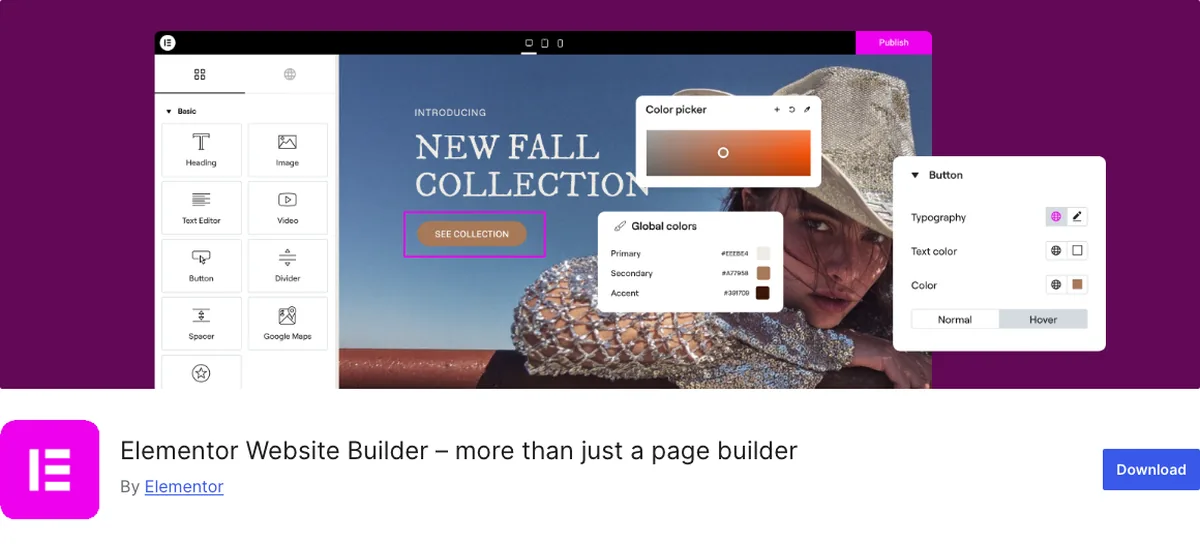
Kadence Blocks is a block library for the native WordPress editor: it adds layout, text, button, tab, accordion, form, gallery, and testimonial blocks that inherit the theme’s colours and fonts, and pages stay ordinary block-editor pages.
600,000 active installs, 96 out of 100 from 332 reviews on WordPress.org (September 2026), version 3.7.10, free with a Pro addon.
Elementor is a page builder that replaces the WordPress editor with its own drag-and-drop canvas, widgets, and styling system, saving page content in its own format.
10,000,000 active installs, 90 out of 100 from 7,297 reviews (September 2026), version 4.2.4, free with a Pro tier from $49 a year for one site.
That first sentence of each is the entire difference. One extends the editor you already have. The other replaces it.
Every strength and every weakness you’ll read below is a consequence.
The One Question
If your design is complex: Elementor
Layered sections. Elements overlapping the section above. Absolute positioning, motion effects on scroll, a pop-up builder, a theme builder for headers and footers with conditions, a loop builder with its own query UI.
Elementor Pro gives you all of it in one product, on one canvas, and a designer can build a Dribbble shot with it without touching CSS.
Kadence Blocks can do overlap and animation (Pro has animate-on-scroll, the theme has a header builder). But past a certain complexity you’re fighting the block editor’s document model, and the fight isn’t worth your time.
Where’s the line? A hero where the photo breaks out of its container and overlaps the next section: Kadence, with a negative margin. A hero with three overlapping cards that animate in sequence on scroll and reposition on hover: Elementor.
Between those two, ask yourself whether you’d be fighting the tool. If yes, it’s Elementor.
If your site needs to be simple, fast, and maintainable: Kadence Blocks
Your small-business homepage is nine sections of heading, text, image, button, and a grid or two.
This site’s homepage is exactly that, and none of it needed a canvas. Kadence Blocks builds it inside the editor you already see when you write a blog post, with the same palette and fonts, and the result is the theme’s HTML with a few extra classes.
That’s most sites. If you’re honest, it’s probably yours.
The maintenance argument is the one to weigh most, and it’s the one you’ll be tempted to skip. So here it is.
Year Three
Your site is built once and maintained for years. Here’s what each choice looks like then.
Updates. Kadence Blocks updates like any plugin. Your pages are block-editor pages, and WordPress core owns the editor.
Elementor updates its own editor, its own widgets, and its own rendering, and a breaking change in any of the three lands on every page you built. Elementor’s changelog is long because the product is large. That’s not a criticism. It’s a maintenance cost you’ll pay.
Editing by the client. Kadence pages open in the WordPress editor your client learned for posts. Elementor pages open in Elementor, which your client learned separately, or didn’t.
Lock-in. Deactivate Kadence Blocks and your pages still render as plain block-editor content: headings, paragraphs, images, lists, with the Kadence styling gone. Ugly, but readable, editable, and every word intact.
Deactivate Elementor, and the page content is stored in Elementor’s own data. What the front end shows is closer to nothing.
Here’s the blunt version, and the reason “lock-in” is the word: the day you want to leave Elementor, you’re rebuilding your site. The day you want to leave Kadence Blocks, you’re restyling it.
That asymmetry is the whole decision for year three, and it’s the part no launch-day comparison mentions.
Weight. No invented numbers here. The same page hasn’t been run through both on the same host, and a made-up benchmark helps nobody.
The structural point is enough: Kadence loads a block’s CSS and JS only on pages that use the block, and the markup is the theme’s. Elementor loads its editor’s front-end framework and widget assets, and its markup wraps every widget in its own containers.
Which is lighter on your page depends on what’s on it. The default direction isn’t in doubt.
The Install Count Argument
Ten million against six hundred thousand. That gap gets used as proof that Elementor is the “safe” choice. You should read it differently.
Elementor’s ten million includes every site built in the years before the block editor could do layout at all, when a page builder was the only way to get a two-column section without code. It’s a measure of when it arrived as much as how good it is.
Kadence Blocks’ six hundred thousand were almost all installed after the block editor became usable.
Both numbers are real. Only one of them is about the choice in front of you today.
The reviews tell the same story: 96 out of 100 across 332 reviews against 90 across 7,297.
What Each Costs
| Kadence Blocks | Elementor | |
|---|---|---|
| Free version | Yes, builds a complete site | Yes, limited widgets, no theme builder |
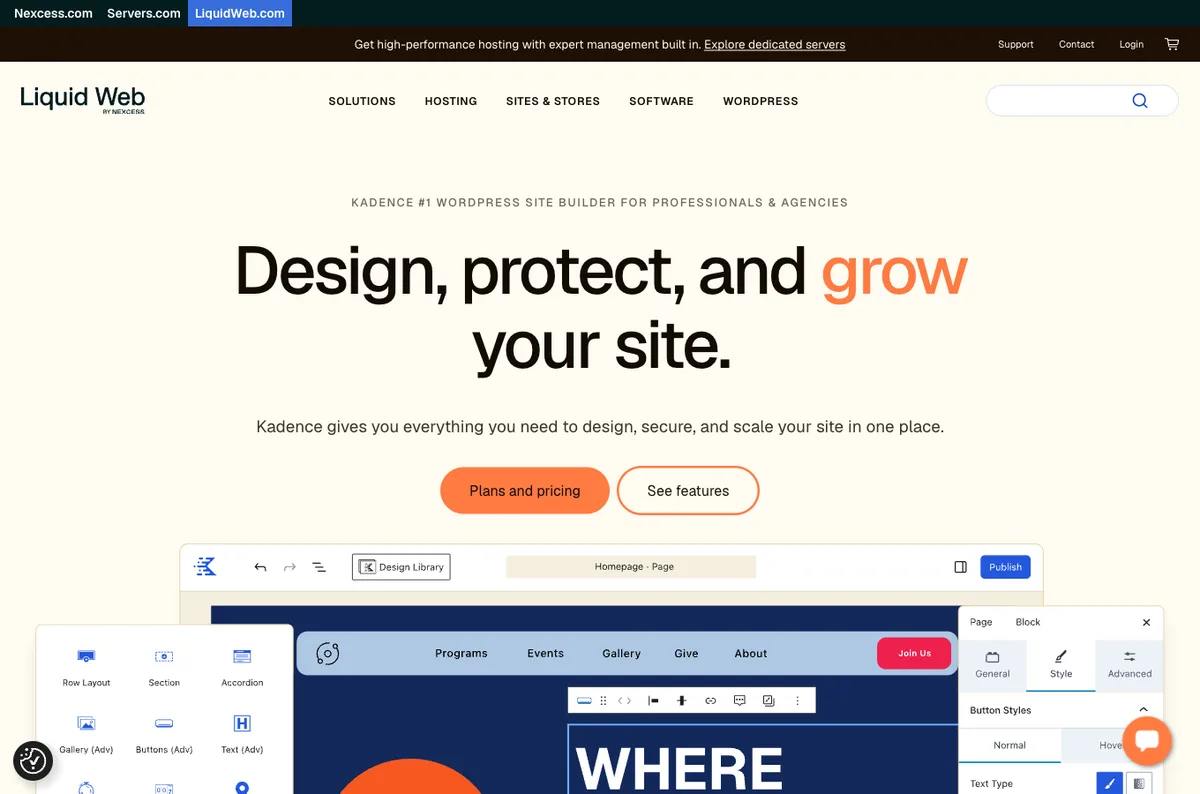
| Paid entry | $99/yr Essentials (Blocks Pro + Theme Pro), via Liquid Web | $49/yr Essential, 1 site |
| What paid unlocks | Query Loop, dynamic content, form entries, extra blocks | Theme builder, pop-ups, forms, loop builder, motion effects |
| Standalone blocks/plugin price | Not listed in 2026 | Per-tier, per-site |
Prices from liquidweb.com and elementor.com, September 2026. Compare at the site count you actually need. Kadence’s $99 includes the theme’s Pro addon whether you want it or not, as covered in the Free vs Pro post.
Which Should You Choose?
- Small business site, brochure or blog, you want to edit it yourself: Kadence Blocks.
- Design-led site with layered, animated, custom layouts and a designer who works visually: Elementor.
- Agency shipping many similar sites: Kadence Blocks, because the Customizer tokens make the twentieth site a restyle of the first.
- Existing Elementor site that works: keep it. Migrating a working site is a rebuild, and rebuilds are for when something’s wrong.
- Existing Elementor site that’s slow, breaks on update, or you can’t edit: that’s something wrong. Rebuild on Kadence, and treat it as a rebuild.
- Not sure: build the homepage in Kadence Blocks first. If you hit the wall, you’ll know which wall it was, and you’ll have spent an afternoon rather than a licence.
You can’t get this badly wrong if you answer the one question honestly.
Final Thoughts
Complex design, or simple and fast.
Elementor wins the first honestly. Kadence Blocks wins the second, and it wins year three by a wider margin than any launch-day comparison will show you.
Ask what your site will need to be in three years, not what the demo looked like today. Plain and simple.
Over to you: is the site you’re planning a Dribbble shot, or nine sections of heading, text, and image? Let me know in the comments.
Frequently Asked Questions
Is Kadence Blocks better than Elementor?
For simple, fast, maintainable sites, yes. For complex, layered, animated custom design, Elementor’s canvas is the more capable tool. It depends on which of those two your site is.
Can Kadence Blocks do everything Elementor can?
No. It covers layouts, sections, tabs, accordions, forms, galleries, and with Pro, dynamic loops and content. It doesn’t offer Elementor’s free-positioning canvas, motion effects builder, or pop-up builder.
Is Kadence Blocks faster than Elementor?
Structurally it’s lighter: it loads block assets only where used and outputs the theme’s own markup, while Elementor loads its framework and wraps widgets in extra containers. The actual difference on a given page depends on what’s on it.
What happens if I deactivate Elementor?
Pages built in Elementor lose their layout and most of their rendered content, because the content lives in Elementor’s data. Kadence Blocks pages fall back to plain block-editor content with the styling removed.
Should I switch from Elementor to Kadence Blocks?
Only if the site is slow, breaks on updates, or you can’t edit it. A working Elementor site should stay; build the next site on Kadence instead. Switching is a rebuild, not a migration.
Which is easier for a client to edit?
Kadence Blocks, because pages open in the same WordPress editor the client uses for posts. Elementor pages need the client to learn Elementor’s editor as well.
Can I use Kadence Blocks and Elementor together?
Technically, on different pages. Don’t. Two layout systems on one site means two sets of styling, two things to update, and a client who never knows which editor a page opens in.
You May Also Like
-

Kadence Accordion & Tabs Blocks
Got a page with too much on it, and wondering… -
Kadence Info Box Block
Building a services grid and wondering if the Kadence Info… -
Kadence Blocks Default Settings
Just installed Kadence Blocks and wondering which Kadence Blocks settings…