
- WP Plugins
- |
- WordPress
Kadence Blocks vs Spectra vs Stackable: Comparing Gutenberg Block Plugins
By Ehasanul Haque
Posted on September 19, 2026
Looking for the best Gutenberg block plugins and finding the same three names everywhere? Kadence Blocks vs Spectra vs Stackable is the comparison you’ll land on.
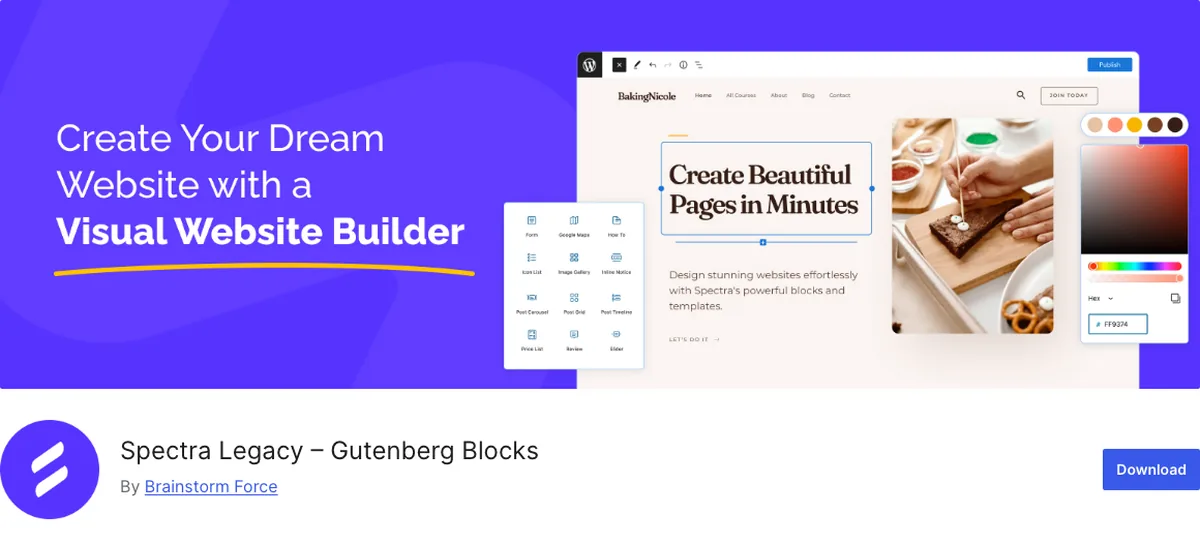
Before you compare, check which “Spectra” you’re reading about. In 2026 the plugin on a million sites was renamed Spectra Legacy, and its own WordPress.org listing says it now gets security and compatibility updates, but no new features.
New development moved to a separate plugin, Spectra Blocks, at version 1.0.7 with 40,000 installs as of September 2026. Most comparison posts you’ll find were written before the split.
Here’s the good news: the comparison is simpler than the block counts make it look.
Kadence Blocks, Stackable, and Spectra Blocks are the three block libraries that turn the WordPress editor into a layout tool, and they differ less in what blocks they offer than in where a block gets its colours and fonts from.
That second thing decides it. One honest note up front: every site Onylogy has shipped runs Kadence Blocks, so read the Stackable section knowing it comes from the product and its reviews, not from a client build.
Let’s dive in.
The Three in One Table
| Kadence Blocks | Stackable | Spectra Blocks (new) / Spectra Legacy | |
|---|---|---|---|
| Version (Sept 2026) | 3.7.10 | 3.20.2 | 1.0.7 / 2.20.3 |
| Active installs | 600,000 | 100,000 | 40,000 / 1,000,000 |
| WP.org rating | 96 (332 reviews) | 98 (521 reviews) | 90 (31) / 94 (1,870) |
| Where styles come from | The theme’s Customizer palette and typography | Its own global colours, typography and design system | Astra-first; own global settings |
| Paid entry | $99/yr Essentials (Blocks Pro + Theme Pro) | $49/yr Premium, 1 site | $69/yr Spectra Pro |
| Dynamic content | Query Loop (Pro) | Dynamic content (Premium) | Loop Builder (Pro) |
| Made by | Kadence (Liquid Web) | Gambit | Brainstorm Force (Astra) |
Sources: WordPress.org plugin API, wpstackable.com, wpspectra.com, liquidweb.com, all September 2026.
Every one of the three gives you rows, columns, styled headings, buttons, tabs, accordions, icon lists, testimonials, galleries, and a form.
Want the plugin with the most blocks? Past twenty, the count is marketing. What you’ll use on a real site is eight of them, and all three have those eight.
The Difference That Decides It: Where Do Styles Come From?
This is the long section, and it’s the whole comparison. Read this one and you can skip the rest.
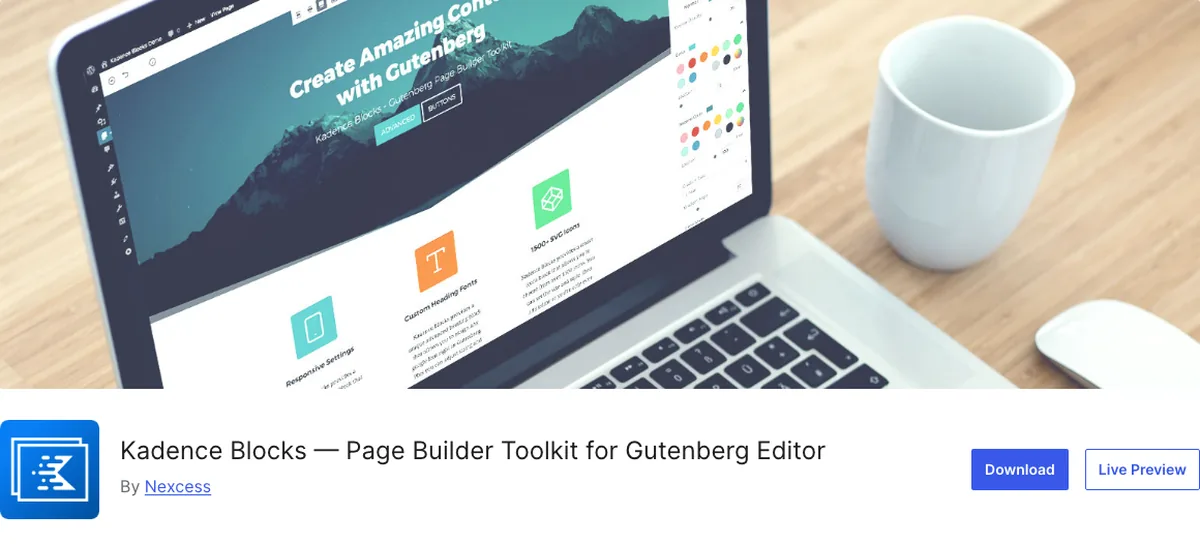
Kadence Blocks reads the Kadence theme’s global palette (nine slots) and its base and heading typography, and every block inherits from them.
Set the H2 size once in the Customizer, and every Kadence heading block on your site follows. There’s an entire post on why you leave the block plugin’s own settings untouched and configure the theme instead. That only works because the blocks defer to the theme.
On a different theme, Kadence Blocks still works for you, but the tight Customizer inheritance is a Kadence-theme feature.
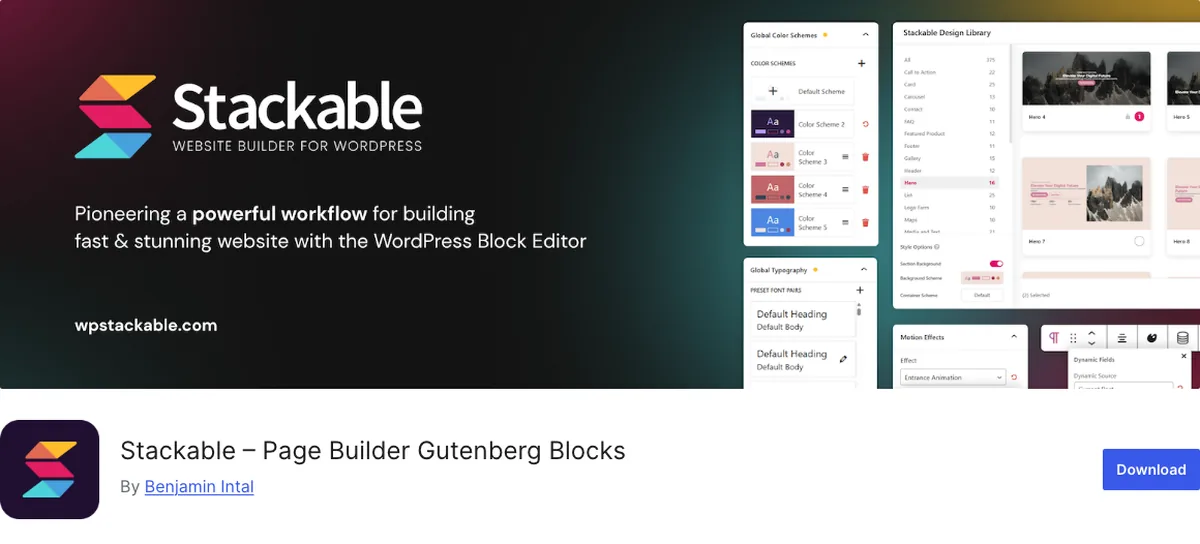
Stackable takes the opposite approach. It ships its own global settings, global colours, global typography, and a design-system layer, applied to Stackable blocks regardless of theme.
The upside: it’s theme-independent, so your setup carries to any theme. The downside: you now have two places defining colours and type, the theme’s and Stackable’s, and the core blocks you use in posts follow one while your Stackable blocks follow the other.
Spectra was built by the Astra team, and it fits Astra the way Kadence Blocks fits Kadence. On Astra it inherits well; elsewhere it brings its own global settings. The new Spectra Blocks leans on AI-assisted building, which is a direction rather than something you can judge at version 1.0.
So the question isn’t “which has better blocks.” It’s “which one’s idea of where styles live matches your site.”
One place for colours and fonts, or two. That’s it.
If You Use the Kadence Theme, This Comparison Is Over
Kadence Blocks.
Not because the others are worse, but because the theme and the blocks were built to share one palette and one type scale. That inheritance is what makes your site restylable from the Customizer instead of page by page.
Installing Stackable on the Kadence theme means two design systems, and you’d be fighting the thing you paid for.
If You Use Astra
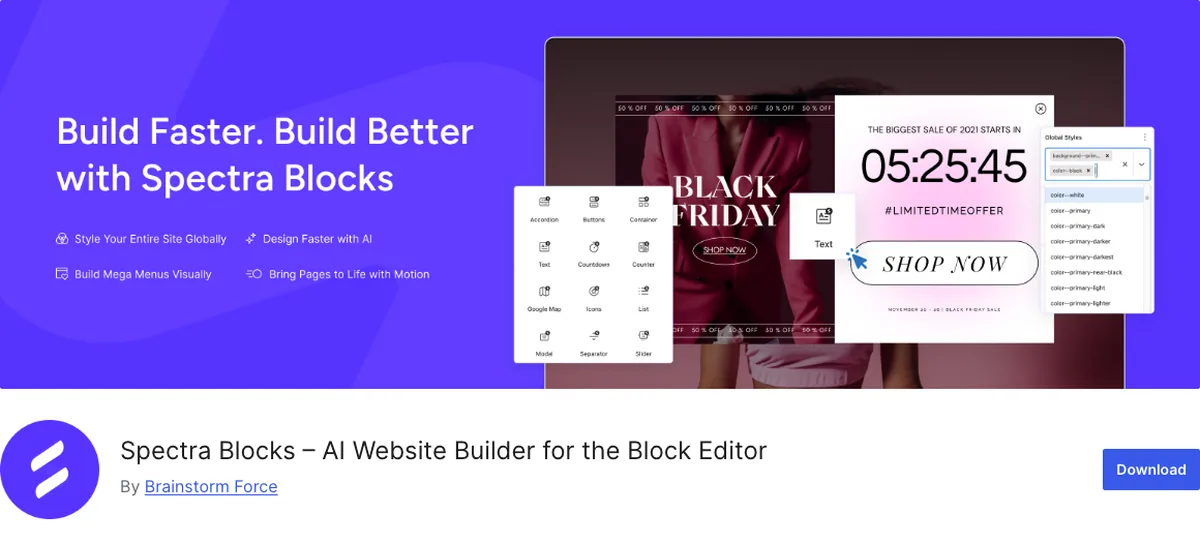
Spectra. And since 2026, that means Spectra Blocks for a new site and Spectra Legacy left alone on an existing one.
Same logic: your theme and your blocks share a maker and a mental model.
Got an existing Spectra site? Don’t worry. The Legacy listing is explicit that nothing breaks and there’s nothing to migrate. It’s just not going to get new blocks.
If You Use Any Other Theme: Stackable
GeneratePress, Blocksy, a block theme, a custom theme. Anything without strong global styles of its own.
Stackable’s theme-independent design system is exactly what you’d want there. Its global settings become your site’s design system, because your theme doesn’t have one to conflict with. And it carries the best rating of the three (98 out of 100 across 521 reviews).
This is the recommendation that comes from the product rather than from a client build, so treat it as a strong starting point, not a guarantee. If you’ve run a site on Stackable for a year, the comment box is yours.
Install Counts, Again
A million for Spectra Legacy, six hundred thousand for Kadence, a hundred thousand for Stackable.
Spectra’s million is Astra’s distribution: the theme suggests it, and Astra is on a huge number of sites. Kadence’s six hundred thousand is younger and mostly organic. Stackable’s hundred thousand comes with the best rating of the three.
Read the count as “how many sites, and for how long.” Not as a verdict on which is right for you.
Which Should You Choose?
- Kadence theme: Kadence Blocks. Done.
- Astra theme: Spectra Blocks (new site) or leave Spectra Legacy in place (existing site).
- GeneratePress, Blocksy, a block theme, anything without strong global styles: Stackable, and let its design system be your site’s.
- Coming from a page builder and want the widest visual control inside the editor: Stackable or Kadence Blocks Pro. The Kadence vs Elementor post covers what “widest” doesn’t include.
- Want the most blocks: stop wanting that. Pick by inheritance.
You can’t go badly wrong with any of the three. You can go wrong by running two.
Final Thoughts
Three good block libraries, one real question: does the plugin read your theme’s styles, or bring its own?
Kadence Blocks reads them, which is why it’s under every site Onylogy builds. Stackable brings its own, which is why it’s your answer on themes that have none. Spectra split in two this year, and the one on a million sites is the one that stopped.
Match the block plugin to your theme, and the rest of the comparison takes care of itself. Plain and simple.
Over to you: does your theme have a real global palette and type scale, or is the block plugin going to be it? Let me know in the comments.
Frequently Asked Questions
What is the best Gutenberg block plugin?
It depends on the theme. Kadence Blocks on the Kadence theme, Spectra Blocks on Astra, and Stackable on themes without strong global styles. All three have the blocks a real site uses; they differ in where blocks get their colours and fonts.
What happened to Spectra?
In 2026 the original plugin was renamed Spectra Legacy and now receives only security and compatibility updates. New development moved to a separate plugin, Spectra Blocks. Existing sites keep working with nothing to migrate.
Is Kadence Blocks better than Stackable?
On the Kadence theme, yes, because the blocks inherit the theme’s palette and typography. On other themes, Stackable’s own global design system is often the better fit. Stackable has the higher WordPress.org rating (98 vs 96).
Can I use Kadence Blocks with a non-Kadence theme?
Yes. The blocks work on any theme, but the tight Customizer inheritance is a Kadence-theme feature; elsewhere the palette comes from the theme’s theme.json.
Should I switch from Spectra Legacy to Spectra Blocks?
Not on a working site. Spectra Legacy keeps working and stays supported. Use Spectra Blocks for new sites.
Which block plugin is fastest?
All three load block assets only where used, and none of them wraps content the way a page builder does. Real differences on a page come from images and hosting more than from the block plugin.
Can I use two block plugins together?
You can, and you shouldn’t. Two block libraries mean two sets of global styles and two update streams. Pick one per site.
You May Also Like
-

Kadence Blocks Default Settings
Just installed Kadence Blocks and wondering which Kadence Blocks settings… -
Kadence Blocks for WordPress
Building your WordPress site with Kadence Blocks? Good choice. It’s… -
Build a Homepage with Kadence Blocks
Ready to build a homepage with Kadence Blocks and not…