

- WP Plugins
- |
- WordPress
Top 6 Contact Form Plugins for WordPress
By Ehasanul Haque
Posted on September 16, 2026

Need a contact form on your site?
Good news: that’s the easy part. Any of the best WordPress contact form plugins on this list can build a working form in ten minutes.
Here’s the catch. Your form probably works. Your email probably doesn’t.
A visitor fills it in, hits send, sees “Thanks, we’ll be in touch,” and the message lands in your spam folder, or nowhere at all.
Why? Because WordPress sends mail through a method most hosts quietly throttle or block. The form is the easy part. Getting the message to your inbox is the part that fails.
In this post, you’ll get six form plugins compared, and the one fix that makes all of them actually deliver.
So before the six, the fix, because it applies to every one of them.
The Fix Before the List: Send Mail Through SMTP
By default WordPress sends email using PHP’s built-in mail function, which has no authentication, no reputation, and is treated as suspicious by most email providers.
The fix is an SMTP plugin. It routes your site’s email through a real mail service (your Gmail or Google Workspace account, your host’s mail server, Brevo, SendGrid, Mailgun), so it arrives like any other authenticated email.
Two free plugins do this, and both are made by teams on this list: WP Mail SMTP from the WPForms team and FluentSMTP from the Fluent Forms team.
Install one, connect a mail service, send the test email. It takes fifteen minutes, and it’s the difference between a contact form and a decoration.
What a Contact Form Plugin Actually Does
A contact form plugin lets visitors send you a message through a form on your site instead of exposing your email address, and handles the pieces around that: validating fields, blocking spam, emailing you the submission, and (in most cases) storing it in your dashboard so you have a copy.
Some go much further, into payments, surveys, multi-step applications, and CRM integrations. That’s where the price differences come from.
For a small business site, the requirements are short: a name, an email, a message, spam protection that doesn’t annoy real people, and a reliable copy of every submission somewhere you can find it later.
That’s it. Don’t let a pricing table talk you into more.
How We Chose
We ranked these six on five things:
- How simple the first form is to build.
- How far the tool can go when you need more.
- Whether the free version stores submissions.
- Spam protection options.
- Price.
Every price and feature below was checked in September 2026 on the plugin’s own pricing page, WordPress.org listing, or documentation. They change; treat this as a snapshot.
1. WPForms: The Simplest Way
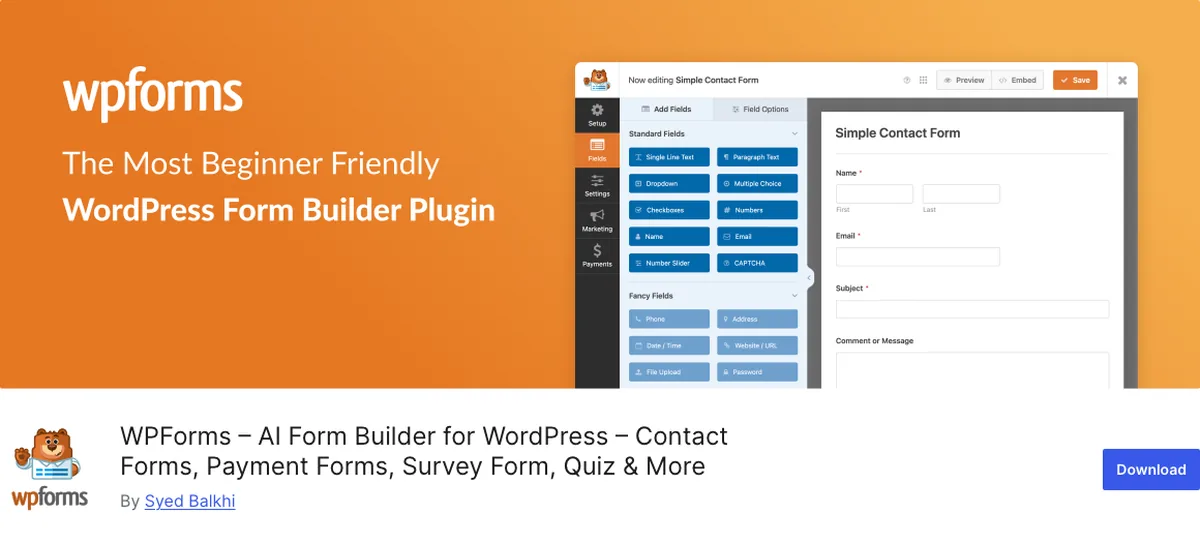
WPForms is the plugin to install when your brief is “I need a contact form today and I don’t want to learn anything.”
Why It Stands Out
The drag-and-drop builder is the friendliest in WordPress, and with over 2,100 templates you rarely start from blank. It’s on more than 5 million sites (WordPress.org, September 2026), which is why it shows up in our must-have plugins list too.
Spam protection is on by default, with Google reCAPTCHA, hCaptcha, and Cloudflare Turnstile as options. The free Lite version builds a real form and emails you the result.
Here’s the catch, and it’s a big one given how this post opened: WPForms Lite does not store submissions in your dashboard. Email is the only copy.
If your email delivery is broken (see the fix above), a Lite form loses the lead silently. Lite Connect saves entries so they appear if you later upgrade, but you can’t read them until you do.
Conditional logic, file uploads, multi-page forms, and entry storage start at the Basic plan, $39.60 for the first year and $99 on renewal (wpforms.com, September 2026). Plus, Pro, and Elite scale up to $239.60 first year for the full add-on set.
Key Features
- Easiest drag-and-drop builder, 2,100+ templates
- Spam protection on by default, reCAPTCHA, hCaptcha, and Turnstile supported
- Free Lite version builds and emails a working form
- Paid plans add entry storage, conditional logic, file uploads, payments
Best for: beginners who want the simplest possible path to a working form and are willing to pay for entry storage, or trust their SMTP setup on Lite.
2. Gravity Forms: The Most Advanced, Still Easy
Gravity Forms is the most advanced form plugin that hasn’t made itself hard to use. If WPForms is your first form, Gravity is the form you build when the site has grown up.
Why It Stands Out
There’s no free version. Basic is $59 a year for one site, Pro $159 for three, Elite $259 for unlimited sites with priority support and the premium add-ons like user registration, conversational forms, and surveys (gravityforms.com, September 2026).
What you get for that is a builder that handles multi-page applications, conditional logic, calculations, file uploads, and payment forms without feeling like a different product from the simple contact form you started with.
Every submission is stored, searchable, and exportable. Developers like it because the hooks and API are documented properly. Site owners like it because it never seems to break on update.
It’s the plugin for a site with real form needs: a quote request with pricing logic, a job application, an intake form that feeds a CRM. For a three-field contact form, it’s more than you need, and the price shows it.
Key Features
- Advanced builder that stays easy: multi-page, conditional logic, calculations, payments
- Every entry stored, searchable, exportable
- Mature add-on ecosystem and developer documentation
- From $59 a year, no free version
Best for: beginners whose site will need more than a contact form, and who’d rather buy the advanced tool once than migrate later.
3. Kadence Advanced Form: The One You Already Have
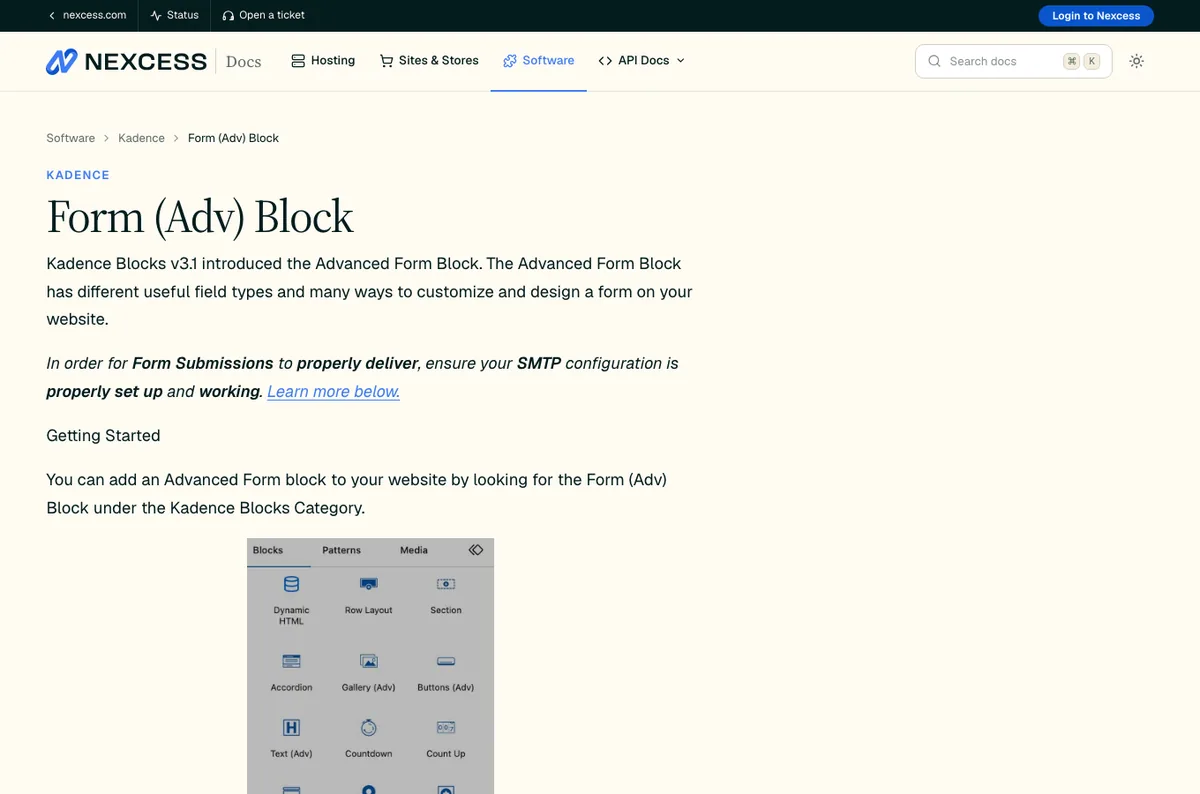
Kadence Advanced Form is a block inside the free Kadence Blocks plugin. If your site is built with Kadence, this is the first pick. Not third. First.
It sits at three here only because not every reader is on Kadence.
Why It Stands Out
Every site Onylogy delivers runs on Kadence Blocks and native Gutenberg, and this is the form on onylogy.com’s own contact page. So this one comes from daily use.
It lives in the block editor like any other block. Drop it into a page, drag the fields into order, style it with the same controls as the rest of the layout.
Standard fields cover text, email, textarea, select, radio, telephone, checkbox, and number. Advanced fields add file upload, date, time, accept, and hidden. Captcha supports Google reCAPTCHA v2 and v3, Cloudflare Turnstile, and hCaptcha. Conditional logic is built in.
The integrations are why a Kadence site doesn’t need another form plugin. Free submit actions are email, redirect, MailerLite, and FluentCRM. Kadence Blocks Pro adds Mailchimp, Brevo, Kit (formerly ConvertKit), ActiveCampaign, an auto-reply email, a webhook for anything else, and Database Entry, which stores submissions in your dashboard (Kadence Advanced Form documentation, September 2026).
That last one matters. On the free tier, like WPForms Lite, email is your only copy. On Pro, you have entries.
Two things to know. Kadence has sunset the older classic Form block (it’s gone from the inserter as of Kadence Blocks 3.5.32), so use Advanced Form for anything new. And Advanced Form doesn’t do payments or multi-page applications.
For that, Gravity. For a small business contact page, this is the whole answer.
Key Features
- Native block inside Kadence Blocks, free, styled with the editor’s own controls
- Full field set, conditional logic, reCAPTCHA, Turnstile, and hCaptcha
- Free: email, redirect, MailerLite, FluentCRM. Pro: Mailchimp, Brevo, Kit, ActiveCampaign, webhook, auto-reply, database entries
- No separate plugin, no separate interface
Best for: anyone building on Kadence. If that’s you, start here and skip the rest of the list. See the KadenceWP guide for the wider ecosystem.
4. Contact Form 7: The Old Reliable

Contact Form 7 is the plugin on 10+ million sites (WordPress.org, September 2026) that has looked the same for fifteen years. There’s a case for that.
Why It Stands Out
It’s free, it’s tiny, and it does exactly what its name says.
No drag-and-drop. You build the form with a simple tag syntax in a text box. That puts off beginners, and it’s honestly faster once you’ve done it twice.
It supports reCAPTCHA, Cloudflare Turnstile, and Akismet for spam, plus Brevo, Constant Contact, and Stripe integrations.
The catch is the same as WPForms Lite, only more so: Contact Form 7 doesn’t write submissions to the database at all by default. The listing says so plainly.
You need the companion plugin Flamingo (free, same author) to keep copies. Install it the same day, because until you do, a broken email setup means a silently lost message.
Key Features
- Free, lightweight, 10+ million installs
- Tag-based form builder, no drag-and-drop
- reCAPTCHA, Turnstile, Akismet, Brevo, Constant Contact, Stripe
- Needs Flamingo to store submissions
Best for: beginners who want the lightest free option and don’t mind a text-based builder. Install Flamingo with it.
5. Ninja Forms: Pay for What You Need
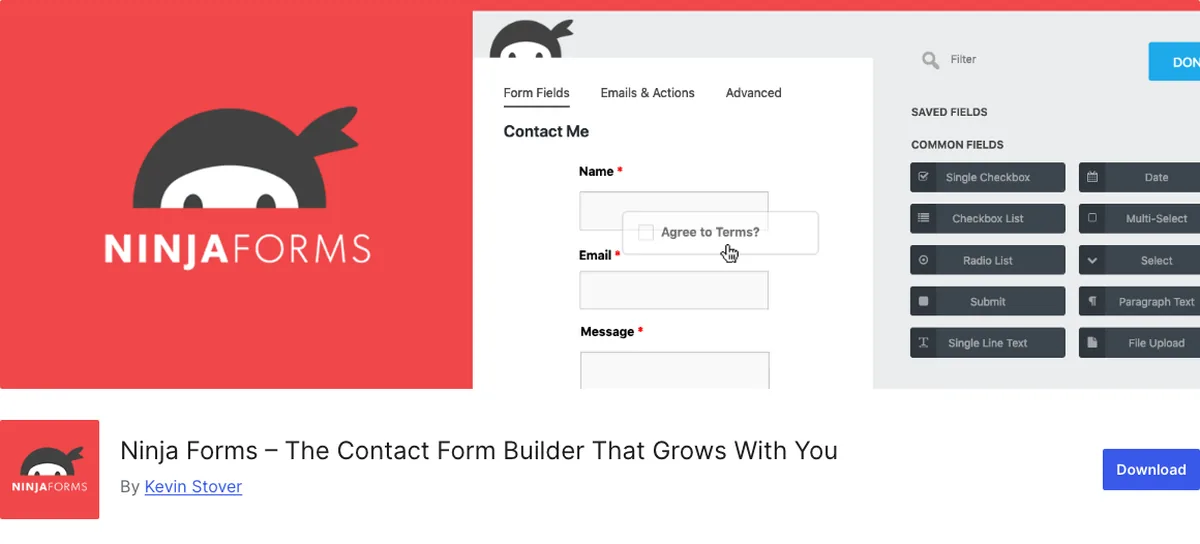
Ninja Forms takes a different pricing angle: a free core plugin with no limits, and add-ons you buy individually or in memberships.
Why It Stands Out
The free version includes unlimited forms and submissions, stored in your dashboard, with a drag-and-drop builder and email notifications (ninjaforms.com, September 2026).
That’s a better free tier than WPForms Lite for one specific reason: you keep your entries.
Memberships run $59.40 for Plus, $119.40 for Pro, and $299.40 for Elite in the first year (renewing at $99, $199, and $499). Individual add-ons are sold à la carte with member discounts. If you only need one integration, you can buy just that.
The builder is fine rather than delightful, and the à la carte model can add up if you keep needing one more thing.
Key Features
- Free core with unlimited forms and stored submissions
- Drag-and-drop builder
- Add-ons sold individually or in memberships from $59.40 first year
- Good free tier if you want entries without paying
Best for: beginners who want stored entries for free and prefer to buy only the extras they’ll use.
6. Fluent Forms: The Generous Free Tier
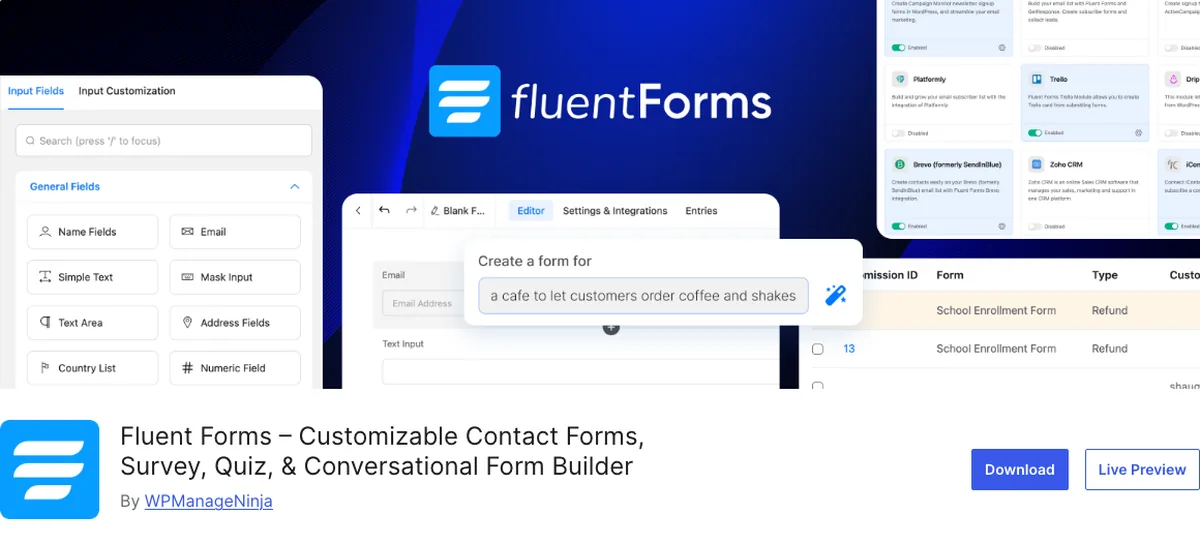
Fluent Forms is the one with the free version that makes the others look stingy.
Why It Stands Out
Free includes conditional logic, stored and exportable entries, 25+ field types, conversational forms, and built-in connections to Mailchimp, Slack, FluentCRM, and Mailpoet. It’s on 700,000+ sites (WordPress.org, September 2026).
Stripe payments work on free with a 1.9 percent fee. Pro removes the fee, adds 55+ fields, multi-step forms, quizzes and surveys, and 60+ integrations, at $63 a year for one site, $127 for five, $239 unlimited, or a one-time lifetime licence from $279 (fluentforms.com, September 2026).
And the same company makes FluentSMTP, so the email fix from the top of this post is in the family.
It’s fast and it’s well built. The only reason it’s sixth is that the four above it fit more sites first.
Key Features
- Free: conditional logic, stored entries, 25+ fields, conversational forms, Mailchimp and Slack
- Pro from $63 a year or $279 lifetime
- Lightweight, pairs with FluentSMTP
- 700,000+ installs
Best for: beginners who want the most capable free tier and might pay once for lifetime rather than yearly.
Entries, or It Didn’t Happen
Blunt version, because this is the mistake you most want to avoid.
Three of the free tiers here (WPForms Lite, Contact Form 7 without Flamingo, and Kadence Advanced Form without Pro) send you the message and keep no copy.
If your email delivery is broken, and without SMTP it usually is, the visitor sees a success message and you see nothing. You won’t even know it happened.
So either set up SMTP and test it with a real submission, or pick a tier that stores entries, or both.
Both is the answer.
How to Stop Contact Form Spam
Every plugin here supports some mix of Google reCAPTCHA, Cloudflare Turnstile, hCaptcha, honeypots, and Akismet. Which should you turn on?
Start with Cloudflare Turnstile. It’s free, and it doesn’t make real visitors click on traffic lights.
reCAPTCHA v3 is invisible but scores people, and a low score can block a real submission without anyone knowing. Honeypots are silent and catch the dumb bots, and miss the smart ones.
There’s no single right combination. It depends on the site. Start with Turnstile, watch what gets through, and add a second layer only if you need it.
Quick Comparison
| Plugin | Free version | Free stores entries | Paid from (Sept 2026) | Spam options | Best for |
|---|---|---|---|---|---|
| WPForms | Lite | No | $39.60/yr first year | reCAPTCHA, hCaptcha, Turnstile | Simplest first form |
| Gravity Forms | None | Yes (all paid) | $59/yr, 1 site | reCAPTCHA, Turnstile, honeypot, Akismet | Advanced needs, still easy |
| Kadence Advanced Form | Yes (in Kadence Blocks) | Pro only | $99/yr Essentials bundle | reCAPTCHA v2/v3, Turnstile, hCaptcha | Anyone on Kadence |
| Contact Form 7 | Yes | With Flamingo | Free | reCAPTCHA, Turnstile, Akismet | Lightest free option |
| Ninja Forms | Core | Yes | $59.40/yr first year | reCAPTCHA, honeypot | Free entries, à la carte extras |
| Fluent Forms | Yes | Yes | $63/yr or $279 lifetime | reCAPTCHA, hCaptcha, Turnstile, honeypot | Most generous free tier |
Which Contact Form Plugin Should You Choose?
- Building on Kadence? Kadence Advanced Form. Stop reading.
- Want the simplest possible form today? WPForms.
- Site will need quotes, applications, payments, a CRM? Gravity Forms.
- Want the lightest free option and don’t mind a text builder? Contact Form 7 plus Flamingo.
- Want stored entries for free and to buy extras one at a time? Ninja Forms.
- Want the biggest free feature set or a lifetime licence? Fluent Forms.
Then, whichever you picked, install WP Mail SMTP or FluentSMTP and send yourself a test message. You can’t go wrong with any of the six once the email works. The security checklist has the rest of the housekeeping.
Wrapping It Up
The form is ten minutes. The email is the job.
Pick the plugin that matches your site (Kadence if you’re on Kadence, WPForms if you want simple, Gravity if you want room to grow). Set up SMTP. Then submit your own form from your phone before you tell anyone the site is live.
Do that, and you’ll never lose a lead to a spam folder again. Plain and simple.
Over to you: when did you last test your own contact form? Let me know in the comments.
Frequently Asked Questions
Why isn’t my WordPress contact form sending emails?
Almost always because WordPress is using PHP’s mail function, which most email providers treat as spam or reject. Install WP Mail SMTP or FluentSMTP, connect a real mail service, and send the test email.
Which contact form plugin is best for beginners?
WPForms for the simplest first form. If your site is built with Kadence Blocks, use Kadence Advanced Form instead, since it’s already in your editor and needs no extra plugin.
Is Contact Form 7 still good?
Yes, if you’re comfortable with its text-based builder and you install Flamingo to store submissions. It’s free, light, and on 10 million sites for a reason.
Do free contact form plugins store submissions?
Some do (Fluent Forms, Ninja Forms), some don’t (WPForms Lite, Contact Form 7 without Flamingo, Kadence Advanced Form without Pro). Check before you rely on one.
Is Gravity Forms worth paying for?
If your site needs more than a simple contact form (multi-page applications, calculations, payments, CRM integration), yes. It’s the most advanced tool here that stays easy to use. For a three-field contact form, it’s more than you need.
How do I stop contact form spam?
Turn on Cloudflare Turnstile or a honeypot first, since neither bothers real visitors. Add reCAPTCHA or Akismet if spam still gets through. Every plugin on this list supports at least two of these.
Can I use Kadence Advanced Form without the Kadence theme?
Yes. It’s part of the Kadence Blocks plugin, which works with any theme. It’s just at its best on a site already built with Kadence Blocks, where it styles to match everything else.
You May Also Like
-

Kadence Blocks Default Settings
Just installed Kadence Blocks and wondering which Kadence Blocks settings… -
Kadence Blocks for WordPress
Building your WordPress site with Kadence Blocks? Good choice. It’s… -
Build a Homepage with Kadence Blocks
Ready to build a homepage with Kadence Blocks and not…