
- WP Plugins
- |
- WordPress
Top 6 Page Builder Plugins for WordPress (Beyond Gutenberg)
By Ehasanul Haque
Posted on September 16, 2026
Looking for the best WordPress page builders? Here’s the thing.
One question decides this whole post. Does your site need complex, advanced design, or does it need to be simple and fast?
If it’s the first, use Elementor. If it’s the second, use the block editor WordPress already gives you (Gutenberg) with Kadence Blocks on top, and don’t install a page builder at all.
Choose based on that question, and you’ll be fine. Choose based on a YouTube ad, and you’ll rebuild your site in a year.
You don’t need to be a designer or a developer to get this right.
In this post, you’ll get the 6 best WordPress page builders compared, what each one is really for, and which one fits your site. It’s simpler than it looks.
Let’s dive in.
What a Page Builder Actually Does
A WordPress page builder is a plugin (or in some cases a theme) that replaces the standard editor with a visual drag-and-drop canvas, so you can design layouts by moving elements around the page instead of writing code or working within the block editor’s structure.
It stores your design in its own format and renders it with its own CSS and JavaScript.
That’s why page builders can do almost anything you can imagine visually. It’s also why they tend to be heavier.
The first post and page guide covers Gutenberg, the block editor built into WordPress. The short version? Gutenberg has quietly become good enough for most small sites, and a block plugin like Kadence closes the rest of the gap without the weight.
How We Chose
We ranked these six by the question at the top: which answer each tool serves, and how well. Then:
- Weight. What it adds to page load, which matters if you’ve read the speed guide.
- Learning curve for a first-time site owner.
- What happens to your pages if you stop using it.
- Price.
Prices were checked in September 2026 on each product’s own pricing page. They change, so treat them as a snapshot.
1. Elementor: For Complex, Advanced Design
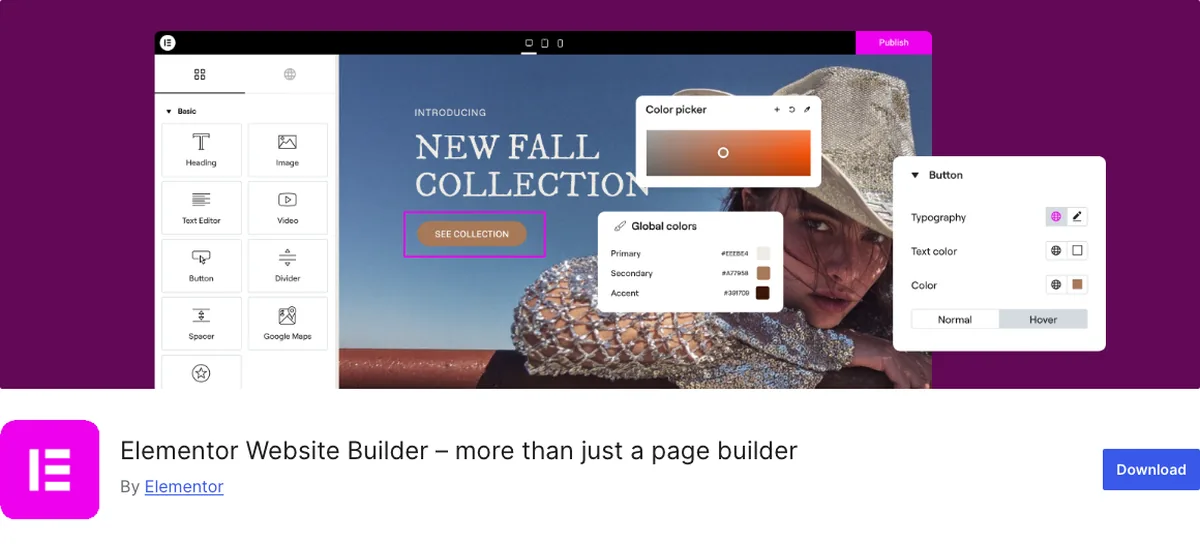
Elementor is the answer when your site’s main goal is design: layered sections, custom animations, a look that doesn’t resemble a theme demo.
Found a design on Dribbble and want exactly that? Elementor is the tool.
Why It Stands Out
It’s the most used page builder in WordPress by a wide margin (10+ million active installs, WordPress.org, September 2026). That number is the feature.
Every theme supports it. Every add-on ecosystem targets it. Every tutorial you’ll ever search for has an Elementor version.
You will never be stuck without help.
The visual canvas is genuinely live: you drag a widget, you see the page.
The free version includes the core editor and enough widgets to build a real site.
Pro adds the theme builder (headers, footers, archive templates), the form builder, popups, dynamic content, and the full widget set. It runs from $49 to $59 a year for one site depending on the promotion (elementor.com, September 2026), with Advanced covering three sites at $99 and Expert covering 25 at $199.
The cost of all that freedom is weight and lock-in. Elementor loads its own CSS and JavaScript on every page it touches, and a page built with twenty nested widgets outputs a lot more HTML than the same layout in blocks.
It’s not slow by default. It’s slower than the alternative, and it takes discipline (or a caching plugin) to keep it fast.
And the design you build lives in Elementor’s data format. More on that below.
Key Features
- Live visual drag-and-drop canvas
- Largest ecosystem: themes, add-ons, templates, tutorials
- Pro adds theme builder, forms, popups, and dynamic content
- Free version is usable for a real site
Best for: sites whose main goal is complex, custom, advanced design, where you accept a heavier page for it.
2. Kadence Blocks: For Simplicity and Speed
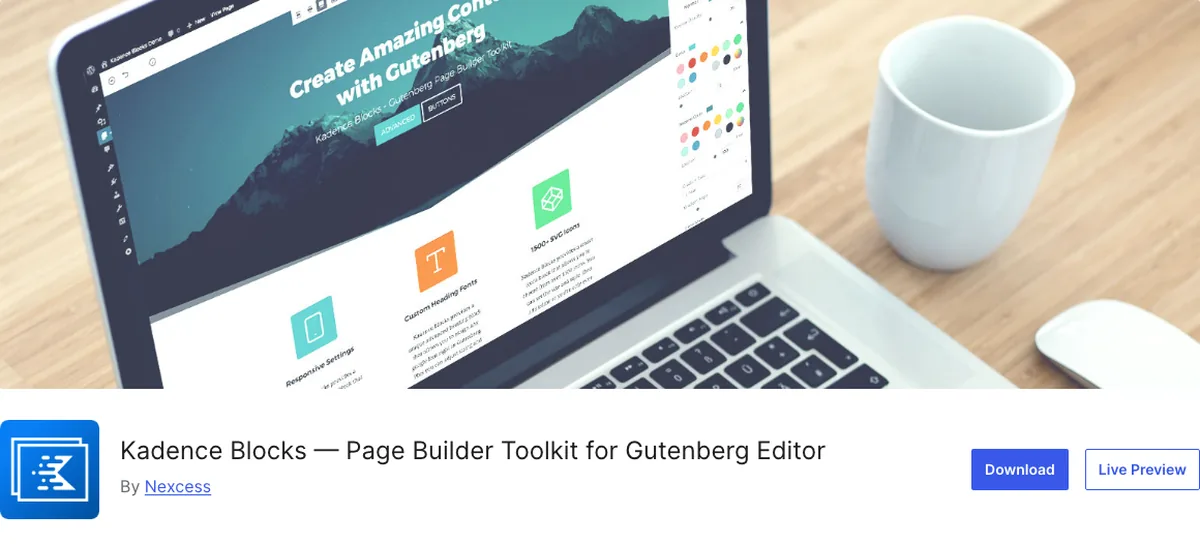
Kadence Blocks is not a page builder, and that’s the point. It’s a set of blocks that live inside the normal WordPress editor.
If your site’s goal is simplicity and speed, this is the answer.
Why It Stands Out
You get Row Layout for sections and columns, Advanced Heading, Info Box for feature cards, Advanced Gallery, Tabs, Accordion, Testimonials, Advanced Form, and a dozen more. All free (600,000+ active installs, WordPress.org, September 2026).
Every one of them is a native block.
So you build pages in the same editor you write posts in, with the same undo, the same revisions, and no second interface for you to learn.
And the plugin only loads CSS or JavaScript for the blocks actually used on a page. That’s the single biggest reason a Kadence site is lighter than a page builder site with the same layout.
Here’s what it looks like in practice. Onylogy.com is Kadence Blocks on the Kadence theme, top to bottom, and every client site we deliver is the same stack. The hero, the feature grid, the testimonials band, the contact form: all blocks, all in the standard editor, all inheriting spacing and typography from the theme’s global settings.
When you want to edit a heading six months later, you open the page and edit the heading. There’s no builder to reopen.
The Pro version ($99 a year for the Essentials bundle with the Kadence theme, per kadencewp.com in September 2026) adds dynamic content, a header and footer builder, mega menus, and custom fonts. Most small sites never need it. The KadenceWP guide goes into the theme side.
What Kadence won’t do is the Dribbble shot. Layered, overlapping, animated layouts are possible in blocks, but they fight you. Past a certain complexity, Elementor is honestly the better tool.
Key Features
- Native Gutenberg blocks, no separate builder interface
- Loads only the CSS/JS for blocks used on the page
- Free version covers layouts, cards, galleries, forms, tabs, testimonials
- Pro adds dynamic content, header/footer builder, mega menus
Best for: sites where the preference is simplicity and speed. If that’s your brief, this is the stack.
3. Divi: The Theme That’s Also a Builder
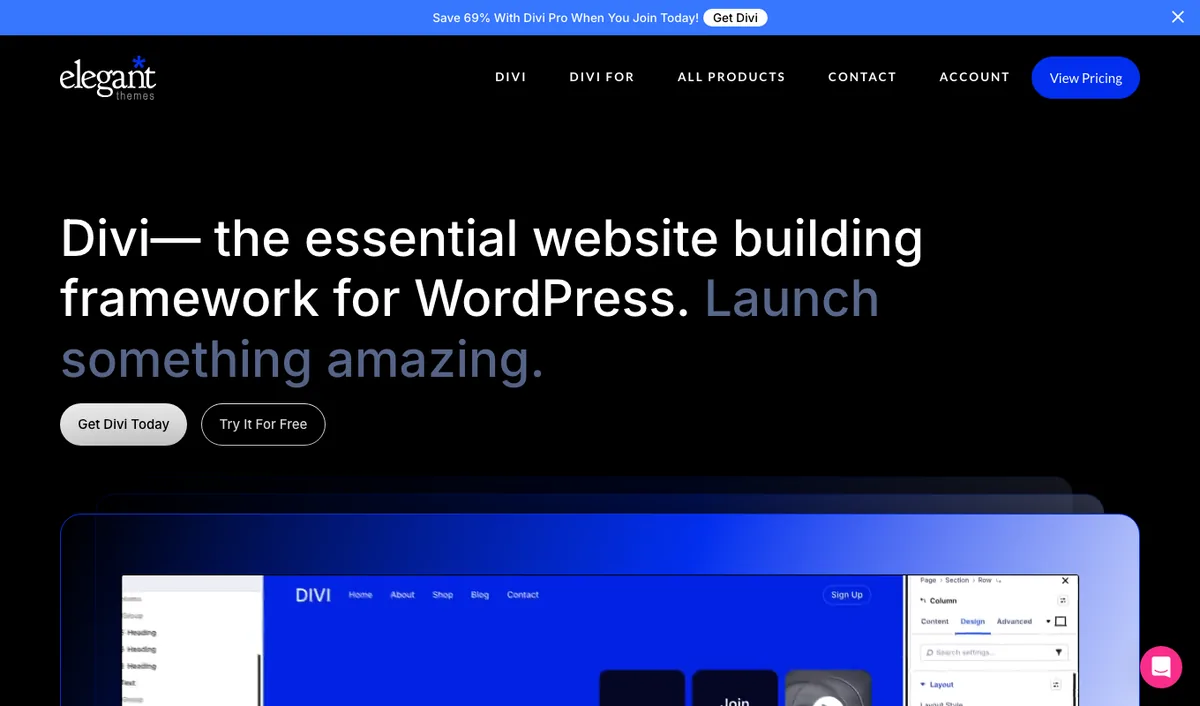
Divi by Elegant Themes is the other household name, and the one most likely to already be on a site you inherit.
Why It Stands Out
Divi is sold as a theme with the builder inside it, though the Divi Builder plugin also works with other themes.
The visual editor is polished. The template library is enormous. You’ll find a starting point for almost any kind of site.
The pricing is the friendliest in this list if you’re building more than one site: $89 a year or $249 once for lifetime access, unlimited sites either way (elegantthemes.com, September 2026). Divi 5, a ground-up rewrite aimed at speed and a cleaner codebase, is now out.
It sits closer to Elementor than to Kadence on the question at the top.
It’s a design tool, with the weight that implies.
Heard the horror stories? The older Divi 4 layouts were stored as shortcodes, which is where every “I deactivated Divi and my site turned into brackets” story comes from.
Divi 5 drops shortcodes entirely for a block-based storage format. Elegant Themes says switching away from a Divi 5 site leaves a blank slate instead of shortcode litter (Elegant Themes blog, “Divi 5 Waves Goodbye To Shortcodes”). Existing Divi 4 sites run a migration to convert. That’s a real improvement, and recent enough that most of the horror stories you’ll read are about the old version.
Key Features
- Visual builder plus a large template library
- $89 a year or $249 lifetime, unlimited sites
- Divi 5 rewrite for performance
- Works as a theme or as a standalone builder plugin
Best for: beginners who want Elementor-style design freedom, plan to build several sites, and like the lifetime price.
4. Beaver Builder: The Stable One
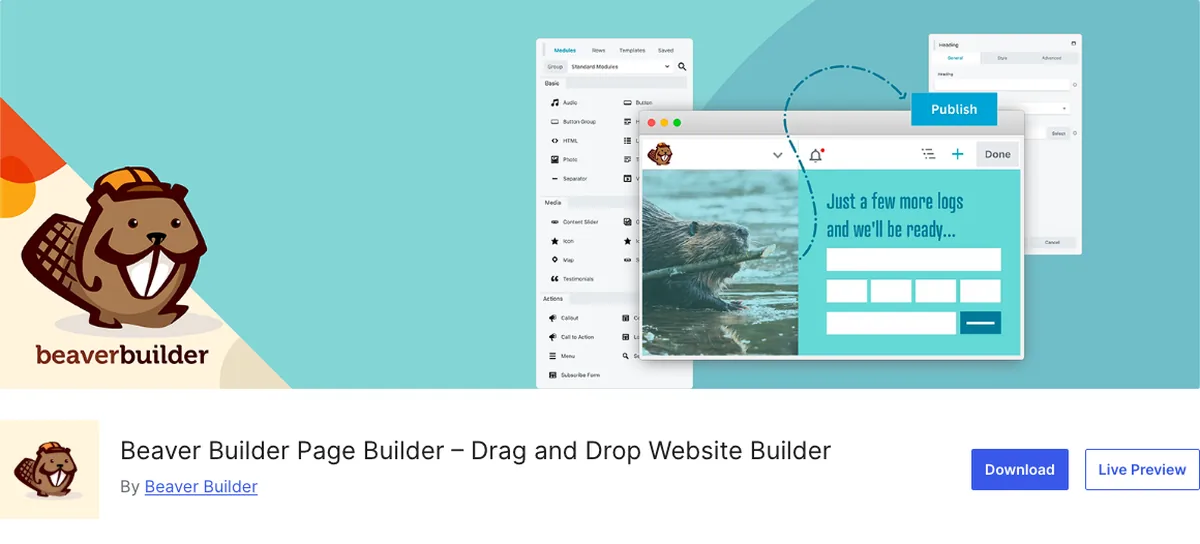
Beaver Builder is the page builder agencies picked when they were tired of things breaking. That’s still its identity.
Why It Stands Out
It updates without drama. Its output is cleaner than most. And there’s a free Lite version on WordPress.org you can try.
Paid plans start at $89 a year for one site and go to $546 for unlimited (wpbeaverbuilder.com, September 2026).
It’s a capable, professional tool. It’s also aimed at advanced users and agencies. The interface is functional rather than inspiring, and as a beginner you’ll find Elementor’s ecosystem far easier to learn from.
Key Features
- Reputation for stability and clean updates
- Free Lite version to try
- Plans from $89 a year (1 site) to $546 (unlimited)
- Aimed at agencies and advanced users
Best for: advanced users who value reliability over flash. Good, not beginner-first.
5. Breakdance: The Newcomer
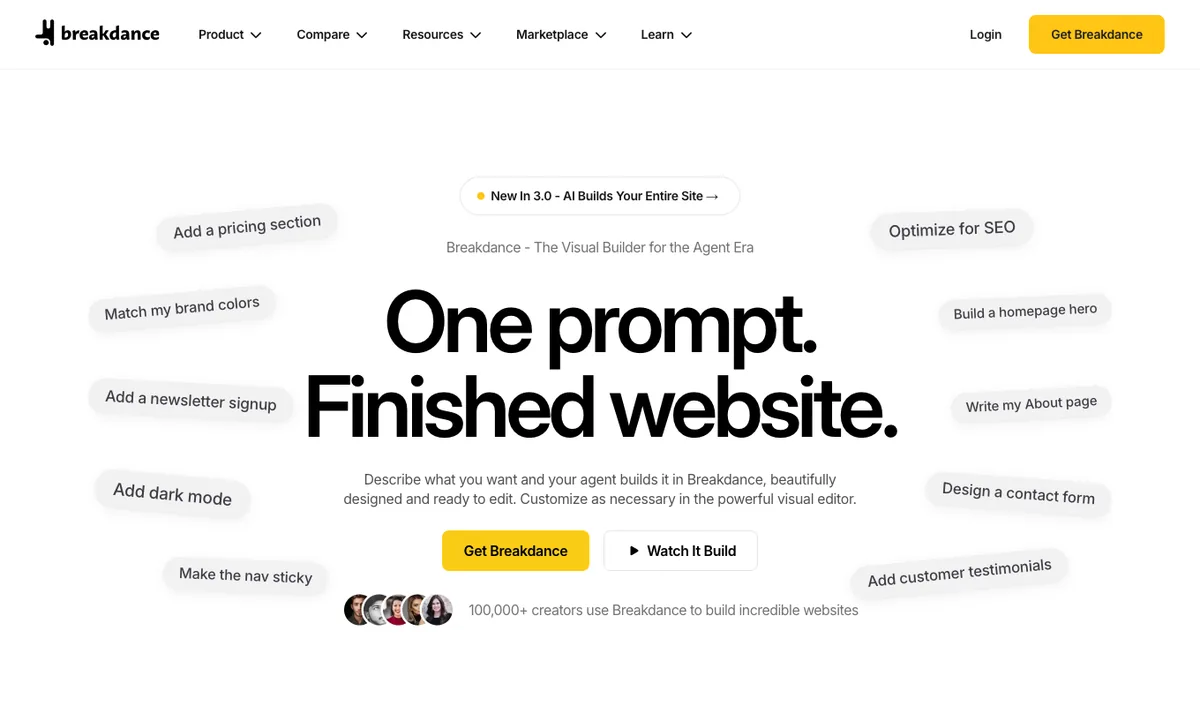
Breakdance comes from Soflyy, the company behind the Oxygen builder, and it’s the most modern-feeling visual builder on this list.
Why It Stands Out
It’s a developer’s idea of a page builder: fast interface, clean output, built-in form builder, WooCommerce elements, and the promise that the price you pay today is the price you renew at.
You won’t get a surprise at renewal time.
There’s a genuinely free version with 80 elements. Pro runs $99.99 a year for one site or $199.99 a year for unlimited sites (breakdance.com, September 2026, with the unlimited tier discounted from $399.99 at the time of checking). A 60-day refund window is generous.
Like Beaver Builder, it’s a tool for advanced users. It’s good. But if you’re a beginner, the smaller community and thinner tutorial base will cost you time that Elementor wouldn’t.
Key Features
- Fast, modern interface with clean output
- Free version with 80 elements
- Pro at $99.99 (1 site) or $199.99 (unlimited) a year, no renewal increase
- 60-day money-back guarantee
Best for: advanced users and developers who want a modern visual builder and don’t need a big tutorial ecosystem.
6. Bricks: The Developer’s Pick
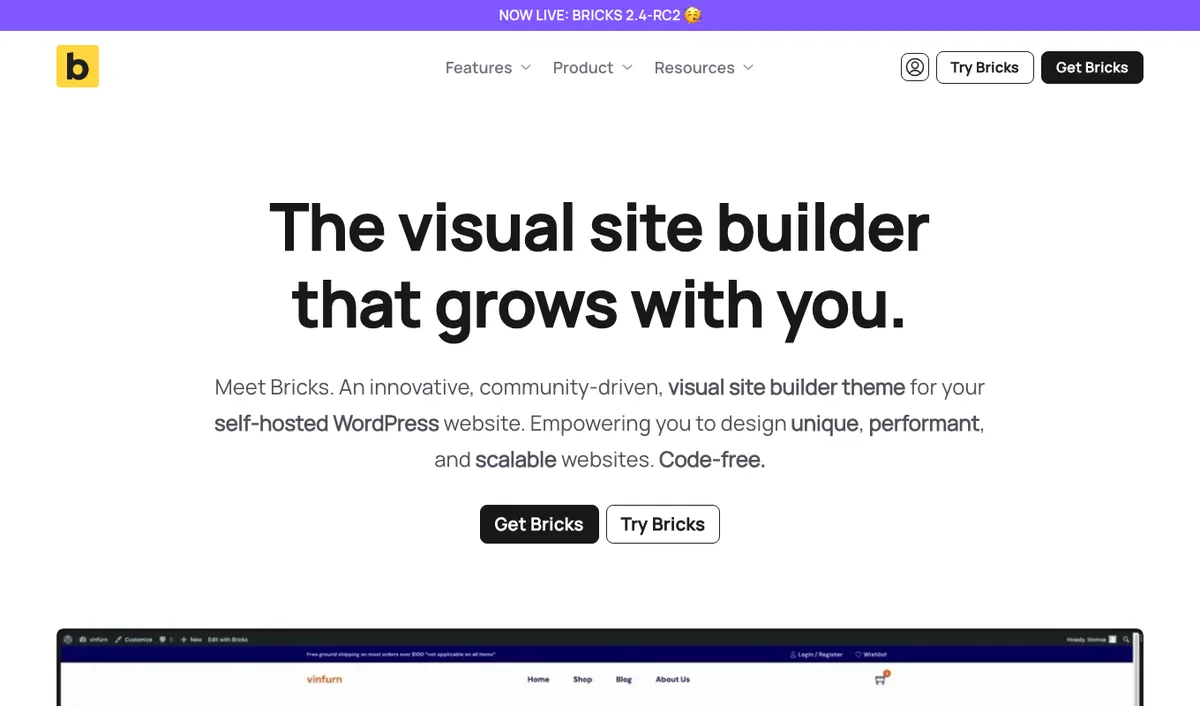
Bricks is technically a theme, not a plugin, and it’s the one developers on WordPress forums keep telling you to switch to.
Why It Stands Out
Semantic, lightweight output. Powerful query loops for dynamic content. Deep custom-field integration.
And a design that assumes you know what a CSS class is.
Starter is $79 a year for one site, Agency $249 for unlimited, or $599 once for lifetime (bricksbuilder.io, September 2026). There’s no free version, only an online playground to try it.
If you’re a first-time site owner, this is the wrong tool for you.
Not because it’s bad. Because it’s built for people who’d otherwise write the code.
Key Features
- Theme-based builder with clean, semantic output
- Query loops and dynamic data for advanced layouts
- From $79 a year, $599 lifetime
- No free version
Best for: developers and advanced users. Skip it as a beginner.
One More Thing: Lock-In
Blunt version: every tool on this list except Kadence Blocks makes your pages depend on it staying installed.
Deactivate Elementor and the page content is still there, but the layout collapses into a plain stack of text and images. Divi 4 leaves shortcodes in brackets all over the page; Divi 5 fixed that and leaves clean content behind. Beaver Builder keeps a static HTML fallback, which is better than most. Breakdance and Bricks behave like Elementor: content survives, design doesn’t.
That’s not a bug. It’s how a page builder works. It owns the layout.
Kadence Blocks are native blocks. Remove the plugin and your content stays as regular block markup, and the page still renders, just without Kadence’s styling.
Rebuilding from there is an afternoon, not a migration.
You’re reading this thinking “I’m never going to deactivate it.” Maybe not. But your site will outlive the tool decision you make this week, and it’s better to know the exit cost now than in three years.
Quick Comparison
| Tool | Type | Free version | Paid from (Sept 2026) | Weight | Audience |
|---|---|---|---|---|---|
| Elementor | Page builder plugin | Yes | $49 to $59/yr, 1 site | Heavier | Beginners wanting complex design |
| Kadence Blocks | Native block plugin | Yes, full | $99/yr Essentials bundle | Lightest | Beginners wanting simplicity and speed |
| Divi | Theme + builder | No | $89/yr or $249 lifetime, unlimited | Heavier | Beginners, multi-site |
| Beaver Builder | Page builder plugin | Lite | $89/yr, 1 site | Medium | Advanced users, agencies |
| Breakdance | Page builder plugin | Yes, 80 elements | $99.99/yr, 1 site | Medium | Advanced users |
| Bricks | Theme-based builder | Playground only | $79/yr, 1 site | Light | Developers |
Which Page Builder Should You Choose?
Back to the one question.
- Main goal is complex, advanced, custom design? Elementor.
- Preference is simplicity and speed? Gutenberg with Kadence Blocks. Don’t install a page builder.
- Want design freedom and plan to build several sites? Divi, and take the lifetime price.
- Advanced user who wants stability above all? Beaver Builder.
- Advanced user who wants a modern builder? Breakdance.
- Developer? Bricks. You already knew that.
Still unsure? Pick the second answer.
A Kadence site is easier for you to build, faster out of the box, and cheaper to walk away from.
If it turns out you needed Elementor, you’ll know within the first week. You’ll have lost a week, not a site.
Wrapping It Up
Complex design: Elementor. Simplicity and speed: Kadence Blocks on Gutenberg.
Every site Onylogy builds sits on the second one, and we still recommend the first one to the right clients.
Both answers are good. The only mistake you can make is picking without asking the question.
Plain and simple: decide what your site is for, then pick the tool.
Over to you: which side of that line is your site on? Let me know in the comments.
Frequently Asked Questions
Do I need a page builder at all?
Most small sites don’t. WordPress’s block editor plus Kadence Blocks handles sections, columns, cards, galleries, forms, and testimonials without a page builder. Install one only when the design brief genuinely exceeds what blocks do well.
Is Elementor bad for site speed?
It’s heavier than native blocks, not unusable. With a caching plugin and disciplined use of widgets, Elementor sites pass Core Web Vitals regularly. It just takes more effort to keep fast than a Kadence site does.
Is Kadence Blocks a page builder?
No. It’s a collection of blocks for the standard WordPress editor. There’s no separate builder interface, which is why it’s lighter and why there’s less lock-in.
Can I switch from Elementor to Kadence Blocks later?
Yes, but it’s a rebuild, not a conversion. Your text and images carry over; the layouts have to be recreated in blocks. Budget an afternoon per page for a small site.
Which page builder is easiest for a complete beginner?
Elementor, because of the sheer volume of tutorials and templates. If you’d rather avoid a page builder, Kadence Blocks is the easiest block plugin to learn because it uses the editor you already know.
Divi or Elementor?
Similar capability. Divi is cheaper for multiple sites and has a lifetime option. Elementor has the larger ecosystem and more third-party support. If you’re building one site, Elementor; several, Divi.
Do I need to pay for a page builder?
Not at first. Elementor, Kadence Blocks, Beaver Builder Lite, and Breakdance all have usable free versions. Pay when you hit a specific feature you need (theme builder, forms, dynamic content), not before.
You May Also Like
-

Kadence Blocks Default Settings
Just installed Kadence Blocks and wondering which Kadence Blocks settings… -
Kadence Blocks for WordPress
Building your WordPress site with Kadence Blocks? Good choice. It’s… -
Build a Homepage with Kadence Blocks
Ready to build a homepage with Kadence Blocks and not…