
- WP Plugins
- |
- WordPress
Top 6 WordPress Security Plugins (Beginner-Friendly Guide)
By Ehasanul Haque
Posted on September 16, 2026
Worried about your site getting hacked?
You’re right to think about it. Most WordPress hacks are automated bots probing for the same basic weaknesses, day and night.
Here’s the reassuring part: you only need one good security plugin, not several. The right one adds a firewall, malware scanning, and login protection in a single install.
The problem? Search for one and you hit a wall of options, all claiming to be the best, all sounding equally urgent.
In this post, you’ll get the best WordPress security plugins for beginners compared honestly, so you can pick one with confidence and move on.
Let’s dive in.
Why a Security Plugin Matters
A security plugin is your site’s automated guard: it watches for attacks, scans for malware, and blocks suspicious login attempts around the clock, without you having to do anything manually.
Most attacks aren’t clever. They’re bots trying the same door on a million sites. A good plugin closes that door before anything gets in.
One thing to know before you pick: a plugin is one important layer, not the whole strategy. If you haven’t yet, read the full security checklist too. It takes ten minutes and covers the rest.
How We Chose
We compared these six on the criteria a beginner actually cares about:
- Ease of setup.
- Whether the free version is genuinely useful, not just a teaser.
- Real firewall and malware-scanning capability.
- How beginner-friendly the interface is once installed.
Every plugin here passed all four. Each one has been set up on real client sites, so this is how they compare in practice, not on paper.
1. Wordfence Security: The Bodyguard
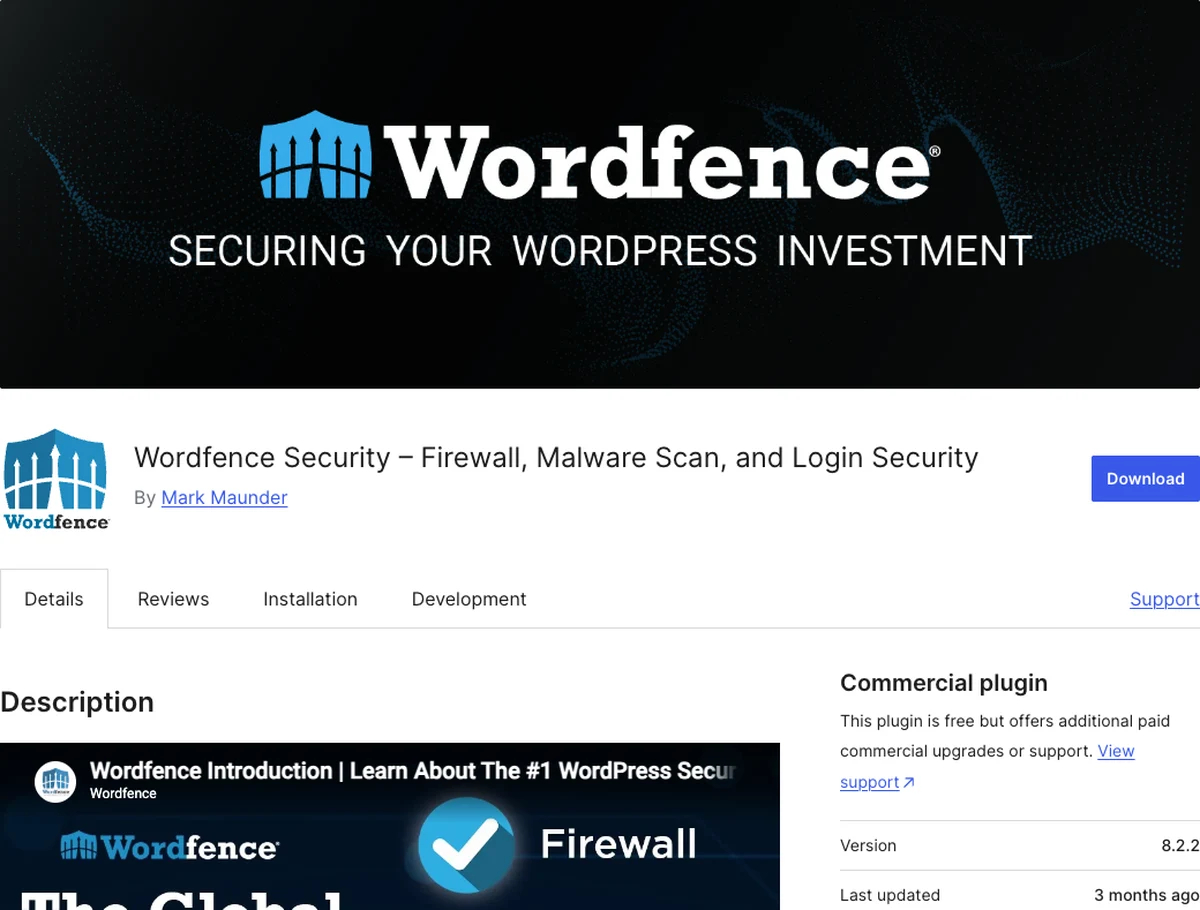
Wordfence is the most widely used WordPress security plugin, and for good reason. It packs a firewall, malware scanner, and login security into one free, well-maintained package.
Why It Stands Out
Wordfence’s firewall blocks malicious traffic before it ever reaches your site. Its scanner checks your files against a database of known threats.
The free version is genuinely complete, not a stripped-down teaser. That’s rare in this space, and it’s exactly why it’s the default pick for most beginner sites.
Install it, run the first scan, and you’re covered.
Key Features
- Real-time firewall and malware scanning
- Login security with rate limiting and two-factor authentication
- Live traffic monitoring so you can see who’s visiting (and who’s attacking)
Best for: beginners who want one strong, free, all-in-one plugin with no real trade-offs.
2. Sucuri Security: The Cleanup Crew
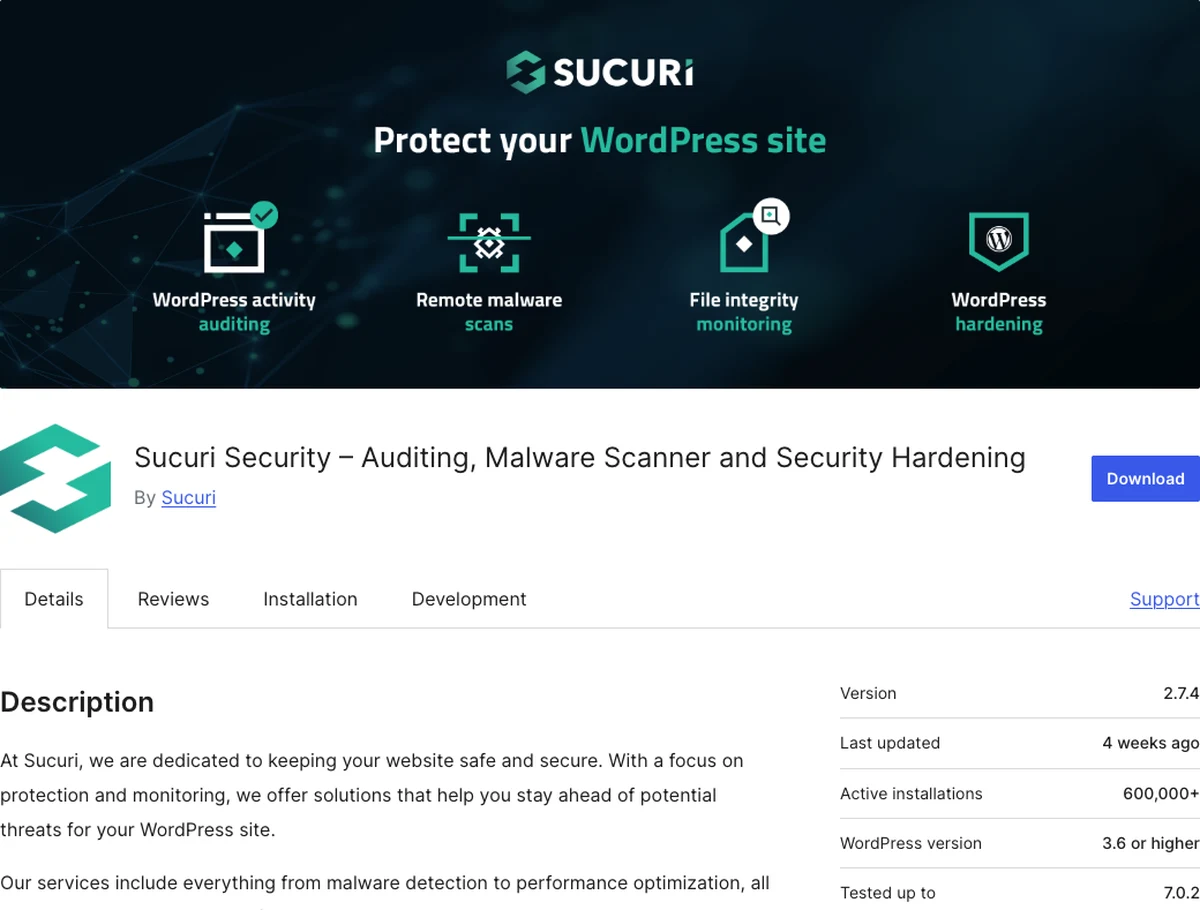
Sucuri is best known for its malware cleanup service, but its free plugin also does solid auditing and monitoring. That makes it a strong pick if peace of mind about an existing hack is your main concern.
Why It Stands Out
Sucuri’s free plugin focuses heavily on activity auditing and integrity monitoring. It flags file changes that could signal a compromise.
Its premium tier adds a cloud-based firewall and, notably, professional malware removal if the worst happens.
Think of it as insurance with a repair crew attached.
Key Features
- Security activity auditing and file integrity monitoring
- Blocklist monitoring (checks if Google or other services have flagged your site)
- Premium cloud firewall and hands-on malware cleanup service
Best for: site owners who want strong monitoring now and a safety net (professional cleanup) if something goes wrong later.
3. Kadence Security (formerly iThemes Security / Solid Security): The Lock Specialist
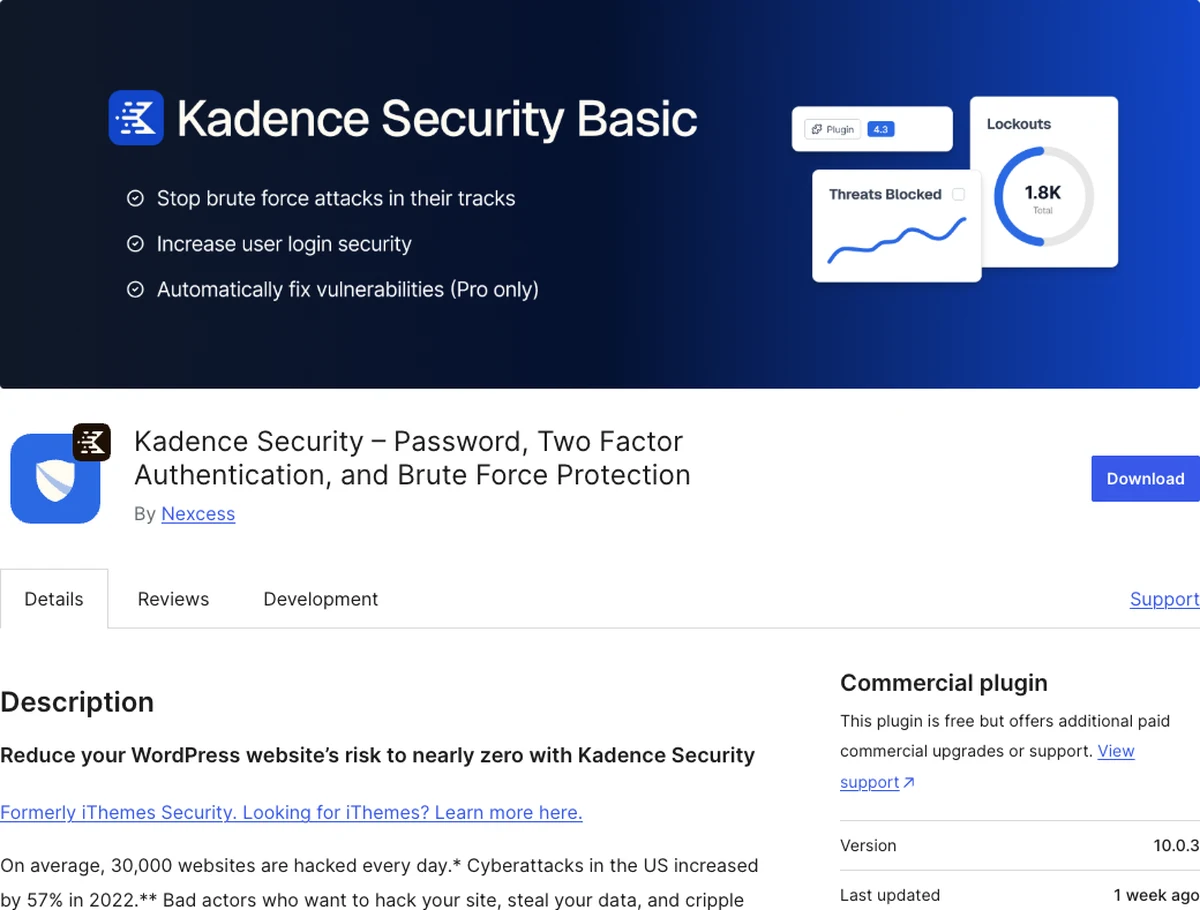
Kadence Security focuses hard on one thing: locking down how people log in. That’s where most beginner sites are actually most vulnerable.
It’s also the security plugin running on onylogy.com.
Why It Stands Out
Rather than trying to do everything, Kadence Security specializes in login and user security: brute-force protection, two-factor authentication, and forcing strong passwords.
It’s a great complement if you already have server-level protection through your host.
Weak passwords are the most common way in. This plugin makes that door a lot harder to open.
Key Features
- Two-factor authentication and strong password enforcement
- Brute-force login protection with automatic lockouts
- File change detection and scheduled security checks
Best for: beginners specifically worried about weak logins and password habits, the most common hack entry point.
4. Jetpack Security: The All-in-One
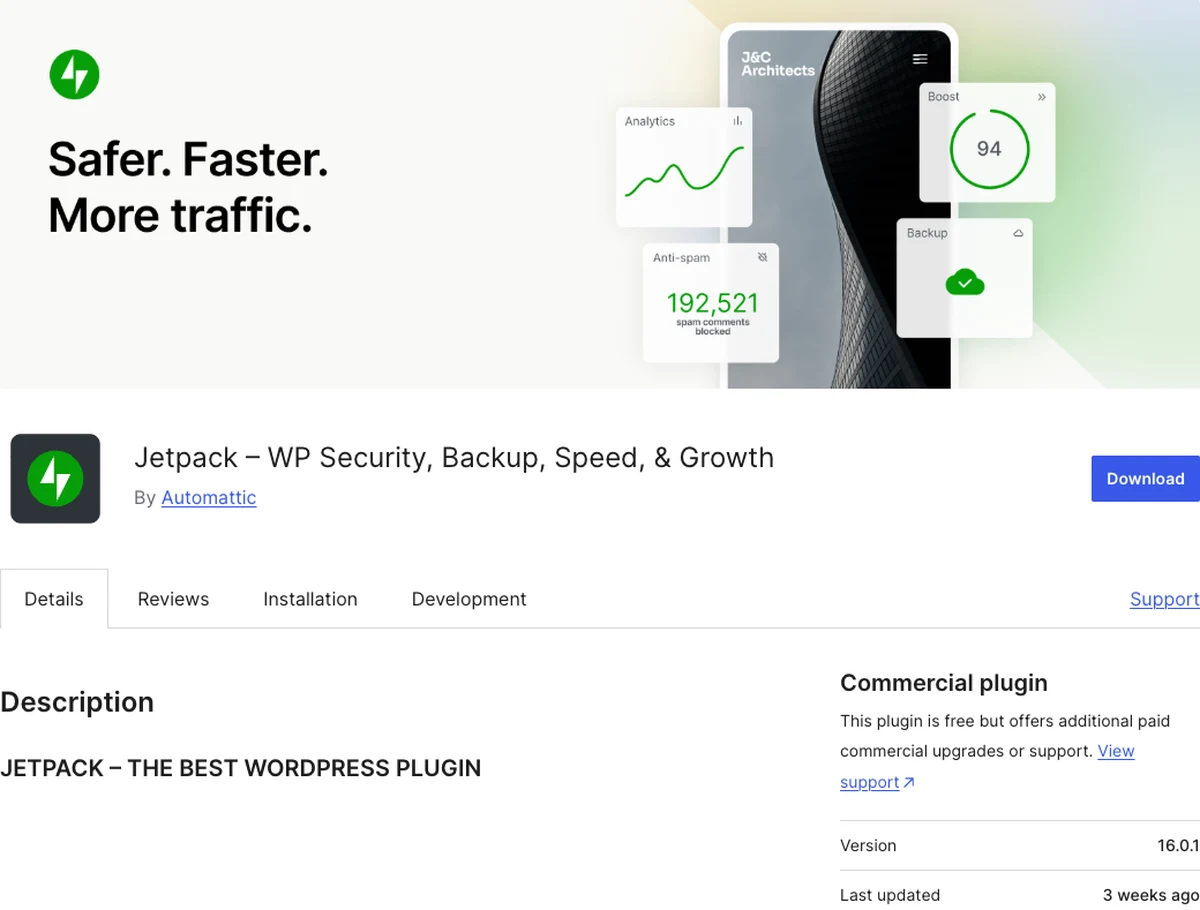
Jetpack Security bundles security with backups and performance tools from Automattic, the company behind WordPress.com. It’s a good fit if you’d rather manage fewer plugins overall.
Why It Stands Out
Instead of a standalone security tool, Jetpack Security folds in real-time backups, brute-force protection, and malware scanning as part of the broader Jetpack suite.
Already using other Jetpack features? This avoids adding yet another separate plugin.
Key Features
- Brute-force attack protection and downtime monitoring
- Malware scanning with one-click fixes on paid tiers
- Bundled real-time backups (ties directly into good backup practice)
Best for: beginners who want security and backups handled by one connected suite rather than separate plugins.
5. All In One WP Security & Firewall: The Free Powerhouse
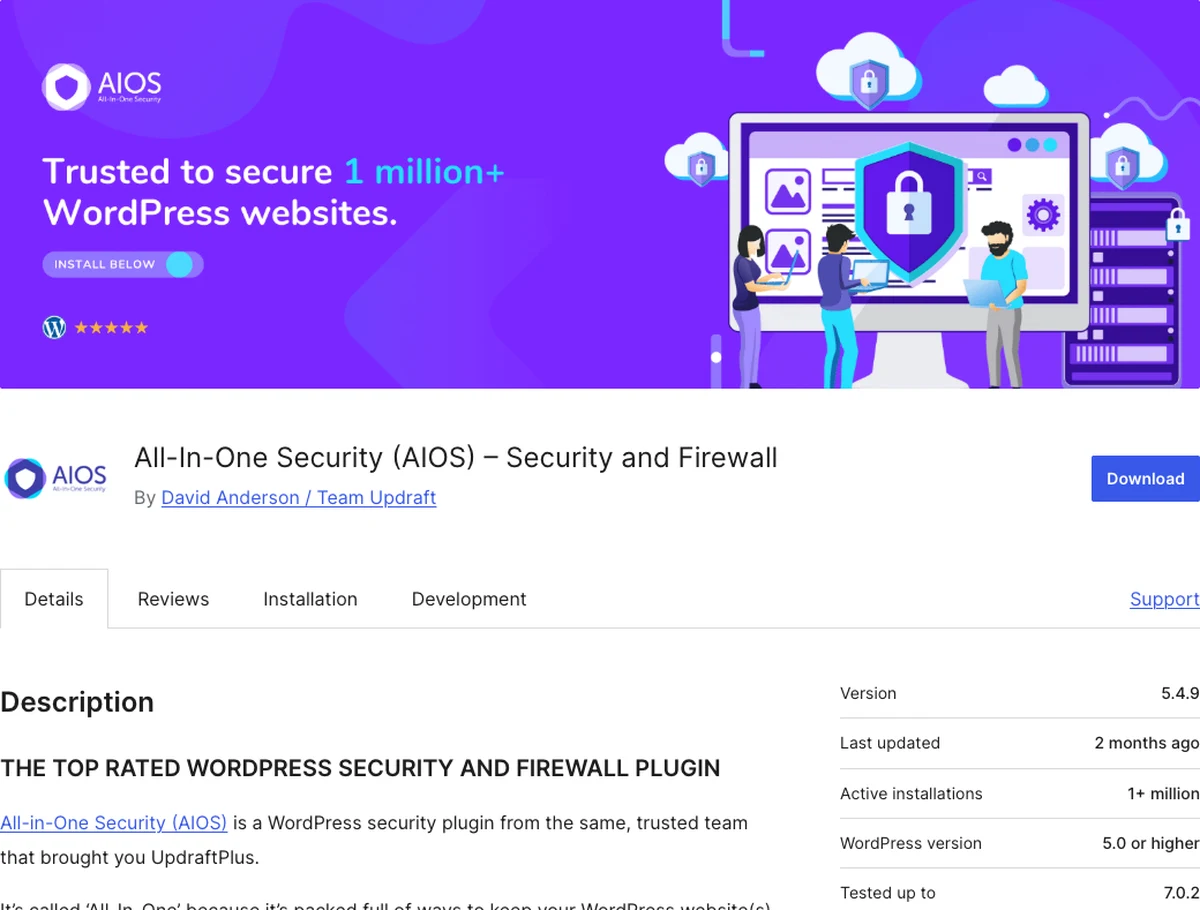
All In One WP Security & Firewall has a name that undersells it. It’s a surprisingly comprehensive, 100% free security suite with no premium upsell pressure.
Why It Stands Out
It covers firewall rules, login protection, and file security entirely for free.
A simple visual “security strength” meter helps you see progress as you configure it. That’s a nice touch when you’re new to this.
There’s no paid tier at all, which some beginners prefer for its simplicity.
Key Features
- User account and login security (lockouts, CAPTCHA, login attempt limits)
- Firewall protection with adjustable rule levels
- Database and file system security checks
Best for: beginners who want a fully-featured plugin without ever being upsold to a paid plan.
6. Shield Security: The Smart Guard
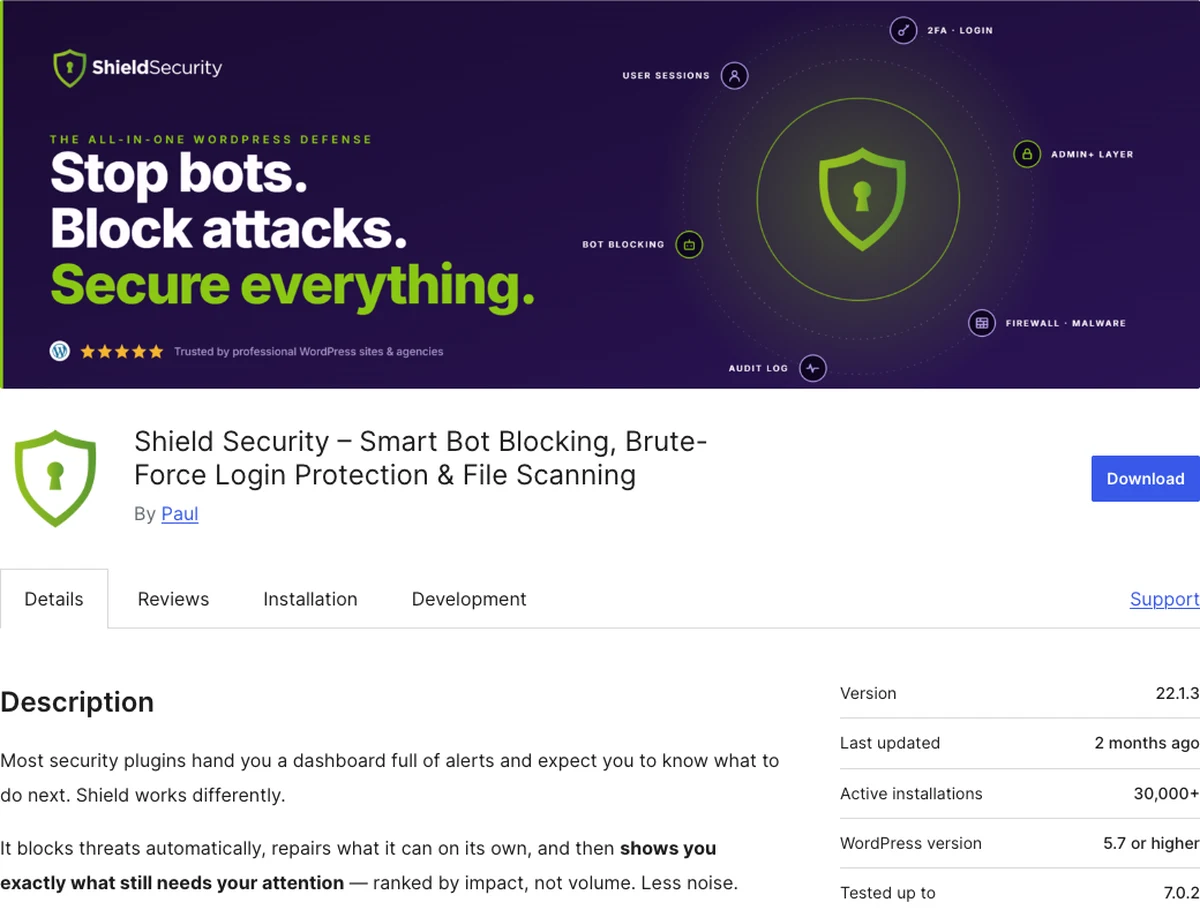
Shield Security takes a different approach from most plugins on this list. Instead of handing you a dashboard full of alerts, it blocks and repairs threats automatically, then only surfaces what actually needs your attention.
Why It Stands Out
Shield’s standout feature is automatic remediation.
It scores every visitor’s reputation in real time and blocks bad actors without you lifting a finger. When a file-integrity scan catches a modified WordPress core file, it pulls the clean original from WordPress.org and restores it on its own.
It also recognizes legitimate crawlers and services (Google, Bing, Stripe, Cloudflare), so it never blocks the traffic you actually want.
Key Features
- Automatic IP blocking based on a real-time visitor reputation score
- Automatic file repair for modified WordPress core files
- Smart bot recognition that never blocks legitimate crawlers or services
Best for: beginners who want threats blocked and fixed automatically, with a guided queue instead of a wall of raw alerts.
Quick Comparison
| Plugin | Free Plan | Standout Feature | Best For |
|---|---|---|---|
| Wordfence | Yes, full-featured | Firewall + scanner combo | All-round beginner pick |
| Sucuri | Yes | Cleanup & monitoring | Post-hack peace of mind |
| Kadence Security | Yes | Login/2FA lockdown | Weak-login protection |
| Jetpack Security | Limited free | Bundled with backups | Fewer plugins overall |
| All In One WP Security | Yes, fully free | No premium upsell | Budget-conscious beginners |
| Shield Security | Yes | Automated blocking & repair | Hands-off protection |
Which Security Plugin Should You Choose?
Match the pick to your actual situation:
- Not sure where to start? Wordfence. It’s the safest default and covers almost everyone well.
- Worried you may already be compromised? Sucuri, for its monitoring and cleanup option.
- Mainly worried about weak passwords and logins? Kadence Security.
- Want fewer plugins to manage overall? Jetpack Security, since it bundles backups too.
- Want a fully free option with zero upsells? All In One WP Security & Firewall.
- Want threats blocked and fixed automatically with minimal effort? Shield Security.
Whichever you choose, install exactly one. Two security plugins at once can conflict and slow your site down. You can’t go wrong with any single pick from this list.
Final Thoughts
Every plugin on this list will meaningfully protect your site. The differences are about fit, not effectiveness.
For most beginners reading this, Wordfence is the easiest, safest starting point.
Whichever you pick, the goal from the security checklist still stands: pick one, set it up properly, and move on to the rest of your site. Pair it with a backup plugin and you’ve covered the two things that save sites.
That’s it. Ten minutes today, and the bots move on to someone else.
Over to you: which one fits your site best? Install it today, and let me know in the comments which one you picked.
Frequently Asked Questions
Do I need a security plugin if my host already has security features?
Yes, ideally both. Host-level security protects the server; a plugin adds application-level protection like login security and malware scanning specific to your WordPress site.
Can I use more than one security plugin at once?
It’s not recommended. Multiple security plugins can conflict with each other and slow your site down. Choose one comprehensive option instead.
Is the free version of Wordfence enough for a beginner?
Yes, for most personal and small business sites. The free version includes a real firewall and malware scanner. The premium tier mainly adds faster rule updates and extra automation.
Which security plugin is best for a hacked site?
Sucuri is the strongest pick here, thanks to its monitoring tools and professional malware cleanup service on paid plans.
Will a security plugin slow down my website?
A well-coded one shouldn’t meaningfully slow your site. If you want a lightweight option that handles threats automatically without a heavy dashboard, Shield Security is built for exactly that.
How do I know if a security plugin is actually working?
Most plugins show a dashboard with recent blocked attempts, scan results, and a security score. Check it periodically rather than assuming silence means safety.
You May Also Like
-

Kadence Blocks Default Settings
Just installed Kadence Blocks and wondering which Kadence Blocks settings… -
Kadence Blocks for WordPress
Building your WordPress site with Kadence Blocks? Good choice. It’s… -
Build a Homepage with Kadence Blocks
Ready to build a homepage with Kadence Blocks and not…