
- WordPress
Elementor vs Gutenberg: Which Should You Use? (Beginner Guide)
By Ehasanul Haque
Posted on September 16, 2026
Trying to decide between Elementor and Gutenberg?
Here’s something most “vs” posts skip. You already have one of them installed. You didn’t choose it.
Gutenberg is the editor WordPress has shipped with since version 5.0 in December 2018. The moment you wrote your first post, you were using it.
Elementor is a plugin you’d have to go and install.
That asymmetry is the whole Elementor vs Gutenberg comparison.
Elementor is a design tool. Gutenberg is a publishing tool that has slowly learned to design. So the question isn’t “which is better.” It’s this: does your site need complex, advanced design, or does it need to be simple and fast?
Complex design, Elementor.
Simple and fast, Gutenberg, usually with a block plugin like Kadence on top.
That’s the answer. The rest of this post is why, so you can pick with confidence.
For what it’s worth, every site Onylogy ships is built on Gutenberg with Kadence Blocks, including this one. Elementor still gets recommended to the right client, and this post tries to be fair to both.
Key Takeaways
- Gutenberg is already installed, free, and fast. For a blog, a portfolio, or a small business site, it’s usually enough, especially with a block plugin.
- Elementor is the pick when the design brief is the point. A live visual canvas, pixel control, and the largest ecosystem in WordPress.
- Elementor costs speed and independence. Heavier pages and a layout that depends on the plugin staying installed.
- The gap is closing every year. Gutenberg in 2026 does things it couldn’t in 2020, and the line keeps moving.
What Each One Actually Is
Gutenberg is the block editor built into WordPress: every paragraph, image, heading, and column is a block you stack and arrange, and it’s how all posts and pages are written by default.
Since WordPress 5.9 in January 2022, it can also edit headers, footers, and templates on block themes (the “site editor”). That’s how it grew from a writing tool into something you can build a whole site with.
Elementor is a page builder plugin that replaces the editor with a visual drag-and-drop canvas, where you design the page by moving widgets around and see the result live as you work.
It’s on more than 10 million sites (WordPress.org, September 2026), which makes it the most used page builder in WordPress by a wide margin.
The free version builds a real site. Pro adds the theme builder, forms, popups, and dynamic content, from $49 to $59 a year for one site depending on the promotion running (elementor.com, September 2026).
One thing that confuses people: the name. “Gutenberg” was the project name for the block editor, after Johannes Gutenberg and the printing press.
There’s still a plugin called Gutenberg on WordPress.org, but you don’t need it. It’s the beta channel where new editor features are tested before they land in WordPress itself. If you’re on a current WordPress version, you already have the editor. Ignore the plugin.
The One Question
Here’s how to decide, brief by brief.
If your site’s main goal is complex, advanced design, meaning layered sections, overlapping elements, custom animations, a look that shouldn’t resemble any theme demo, then it’s Elementor.
Gutenberg can do a surprising amount of this now.
But it fights you past a certain point, and if you have a specific visual in mind, you’ll get there faster and cheaper on a visual canvas.
The ecosystem seals it. Every theme supports Elementor, every add-on pack targets it, and every tutorial you’ll ever search for has an Elementor version.
If your site’s preference is simplicity and speed, meaning it needs to load fast, be easy to edit six months from now, and not depend on a plugin for its layout, then it’s Gutenberg.
Add Kadence Blocks to it (600,000+ installs, WordPress.org, September 2026) for sections, feature cards, galleries, forms, and testimonials that the core blocks don’t cover well. That’s the stack every Onylogy site runs on.
When you want to change a heading, you open the page and change the heading. There’s no builder to relaunch, and the page only loads the code for the blocks actually on it.
Most small business sites, blogs, and portfolios are the second case.
They think they’re the first case because the demo they liked was built in Elementor.
Show them the same layout in blocks and they usually can’t tell the difference. Except the page loads faster.
Where Gutenberg Wins
- It’s already there. No install, no licence, no renewal, no second interface to learn.
- Speed. Blocks output clean HTML and load only what’s on the page. An Elementor page with the same layout ships more markup and its own CSS and JavaScript. The speed guide covers why that shows up in your scores.
- Independence. Content written in blocks is stored as standard markup. Deactivate a block plugin and the page still renders, just plainer. Deactivate Elementor and the layout collapses.
- Editing later. You edit the page the same way you write a post. Nothing to relearn.
- Direction of travel. Every WordPress release adds to the block editor. It’s the platform’s own roadmap, not a third party’s.
Where Elementor Wins
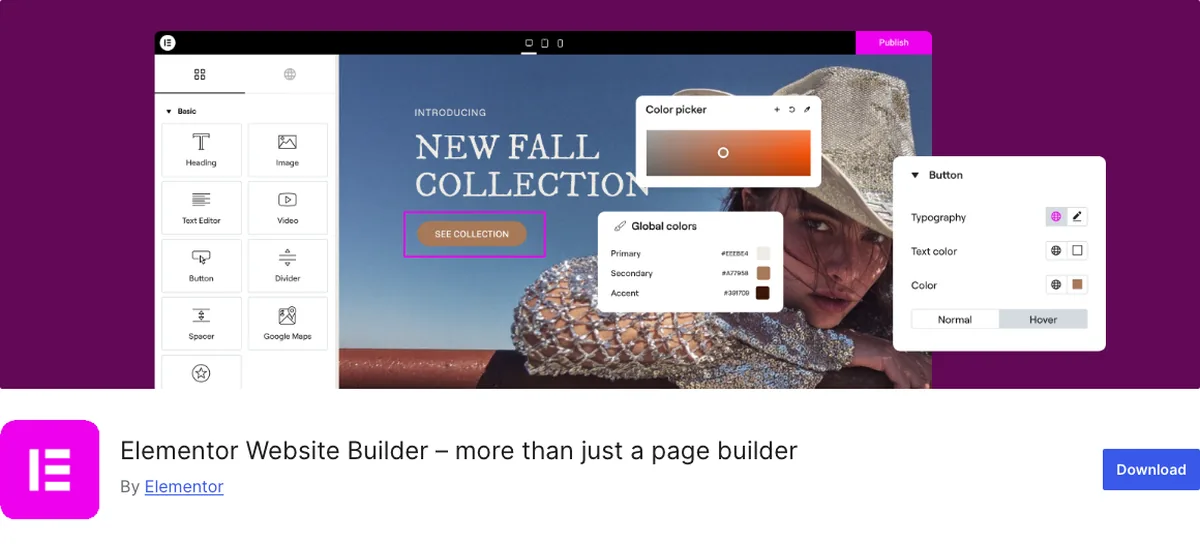
- Visual design freedom. Drag a widget, see it move. Position, spacing, motion effects, responsive tweaks per device, all on a live canvas.
- The ecosystem. Templates, add-on packs, theme kits, and a decade of tutorials. Whatever you’re stuck on, someone has recorded a video about it.
- Pro’s theme builder. Headers, footers, archive templates, and single-post templates built visually, without a block theme or code.
- Speed of building complex layouts. For a genuinely custom design, Elementor gets there faster than blocks. That’s what it’s for.
- Familiarity. A lot of people have used it before and expect it.
You Don’t Need a Page Builder to Launch a Blog
Blunt version.
If you’re a beginner starting a blog, a portfolio, or a one-page business site, and you’re reading this to decide whether to install Elementor first, the answer is no.
Write your posts in Gutenberg. Pick a light theme from the free themes roundup. Add Kadence Blocks when you need a feature grid or a contact form. Launch.
You can add Elementor in a year if the design brief genuinely outgrows blocks. You can’t easily take it out.
Start with the thing that’s already installed. You’ll be fine.
Quick Comparison
| Gutenberg (+ Kadence Blocks) | Elementor | |
|---|---|---|
| What it is | The editor WordPress ships with | A page builder plugin |
| Cost | Free (Kadence Blocks free; Pro bundle $99/yr) | Free; Pro from $49 to $59/yr, 1 site |
| Learning curve | Low, same editor as writing posts | Medium, a second interface |
| Design freedom | Good, and improving every release | Highest |
| Page weight | Light, loads only what’s used | Heavier, own CSS/JS on every page |
| If you deactivate it | Content stays as standard blocks | Layout collapses |
| Ecosystem | Growing | Largest in WordPress |
| Best for | Simplicity and speed | Complex, advanced design |
The Gap Keeps Closing
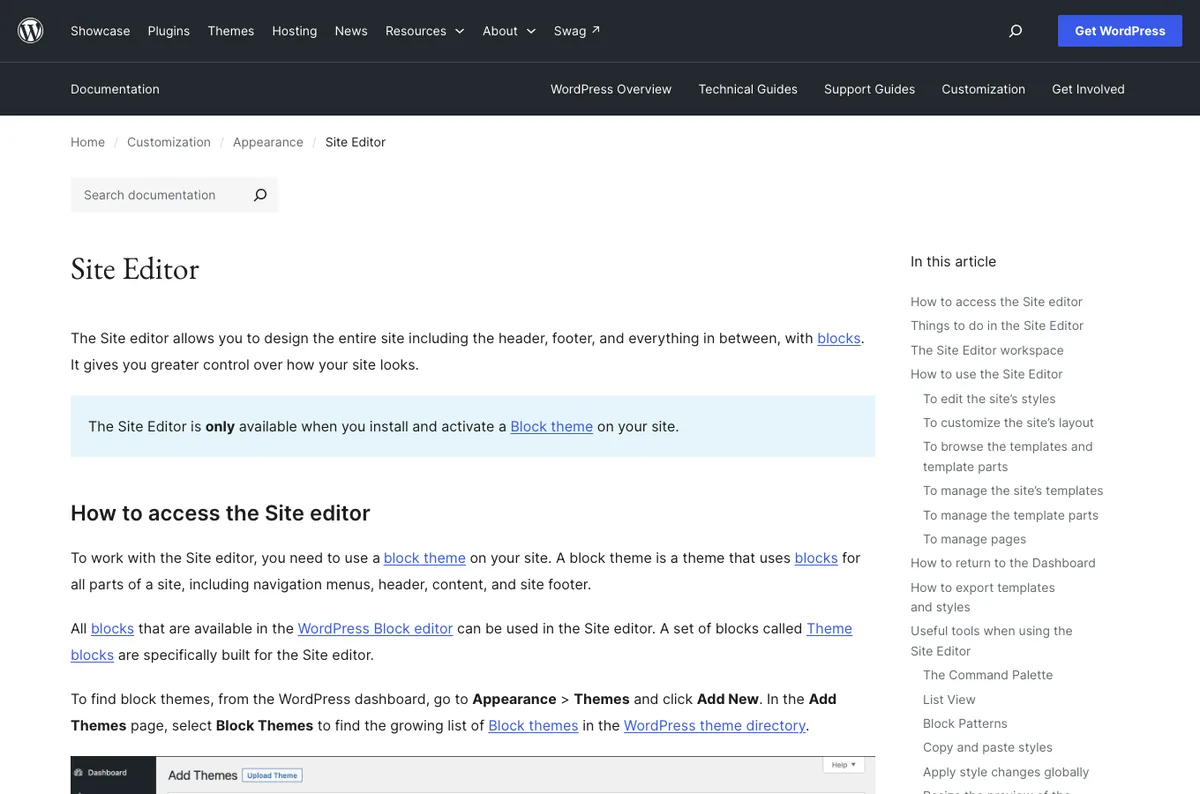
Gutenberg in 2026 handles things it flatly couldn’t in 2020: full site editing, pattern libraries, responsive controls, and with a block plugin, most of what a small business ever asks for.
Each release closes a little more of the gap.
So the honest answer to “when do you need Elementor” is “less often than last year.”
That doesn’t make Elementor the wrong choice today for complex design. It does mean that if you’re on the fence, the fence is tilting toward blocks.
Which Should You Choose?
- Blog, portfolio, small business site, simple and fast? Gutenberg. Add Kadence Blocks when you need more.
- Main goal is complex, advanced, custom design? Elementor.
- Inheriting a site already built in Elementor? Stay on it. Rebuilding for its own sake isn’t worth it.
- Used Elementor before and want it? Elementor. Familiarity is a real feature.
- Not sure? Gutenberg. If you need Elementor you’ll know within a week, and you’ll have lost a week, not a site.
Want the wider field? The page builders roundup compares six tools by the same question. And the KadenceWP guide covers the block plugin this post keeps mentioning.
Final Thoughts
It’s not Elementor versus Gutenberg. It’s “do you need a design tool, or do you need to publish.”
Most beginners need to publish.
Some sites need the design tool, and for those, Elementor is the right one.
Either way, you can’t get this badly wrong. Start simple, and upgrade only when your site asks for it.
Over to you: which is your site, honestly? Let me know in the comments. And if you’re not sure, start with the one that’s already installed.
Frequently Asked Questions
Is Gutenberg a page builder?
Not in the Elementor sense. It’s WordPress’s built-in block editor, and since version 5.9 it can edit whole site templates on block themes. With a block plugin like Kadence, it covers most of what beginners use a page builder for.
Is Elementor free?
The core plugin is free and builds a real site. Elementor Pro, which adds the theme builder, forms, popups, and dynamic content, starts at $49 to $59 a year for one site depending on the current promotion.
Is Elementor slower than Gutenberg?
Generally yes. Elementor loads its own CSS and JavaScript and outputs more markup for the same layout. A cached, disciplined Elementor site can still pass Core Web Vitals, but it takes more effort than a block-based site.
Can I use Elementor and Gutenberg on the same site?
Yes. Many sites use Elementor for the homepage and landing pages and Gutenberg for blog posts. Just don’t switch a single page back and forth between them.
What happens if I deactivate Elementor?
The text and images stay, but the layout collapses into a plain stack. Content built in Gutenberg blocks stays as standard markup and keeps rendering.
Should a beginner learn Elementor or Gutenberg first?
Gutenberg. You’ll use it to write posts either way, and it’s enough for most first sites. Learn Elementor if and when a design brief needs it.
Is Gutenberg getting better?
Yes, with every WordPress release. Full site editing, patterns, and responsive controls have all arrived since 2020, and the gap to page builders keeps narrowing.
You May Also Like
-

Kadence Blocks Default Settings
Just installed Kadence Blocks and wondering which Kadence Blocks settings… -
Kadence Blocks for WordPress
Building your WordPress site with Kadence Blocks? Good choice. It’s… -
Build a Homepage with Kadence Blocks
Ready to build a homepage with Kadence Blocks and not…