
- WordPress
WordPress.com vs WordPress.org: Which One Do You Actually Need?
By Ehasanul Haque
Posted on September 4, 2026
Here’s a confusing little secret nobody warns beginners about: there are two WordPresses. You go to build your first site, start searching, and suddenly you’re bouncing between “WordPress.com” and “WordPress.org“, wondering why the same product has two websites — and which one you’re supposed to sign up for.
Let’s clear it up right now. WordPress.com and WordPress.org both run on the same core WordPress software, but they’re completely different products. One is a hosted service that manages everything for you; the other is the free software you install on your own hosting for full control. Picking the wrong one is one of the most common mistakes beginners make, so it’s worth five minutes to get right.
In this guide I’ll explain the real difference in plain English, weigh the pros and cons of each, and tell you which one I’d pick for your situation.
Key Takeaways
- WordPress.org is the free, self-hosted software you install on your own hosting — full control, full flexibility.
- WordPress.com is a hosted service that runs WordPress for you — easier to start, but with limits on lower plans.
- Most people who want a real website or business site should choose WordPress.org.
- The word “free” hides the catch: WordPress.org software is free, but you pay for hosting and a domain.
The Short Answer
If you want a serious website — a business site, a blog you’ll grow, or an online store — choose WordPress.org (self-hosted). It’s what most tutorials, including mine, are built around, and it gives you complete control over your site. Choose WordPress.com only if you want the absolute simplest hands-off start and don’t mind its limits.
That’s the summary. Now here’s why, so the choice actually makes sense.
What Is WordPress.org?
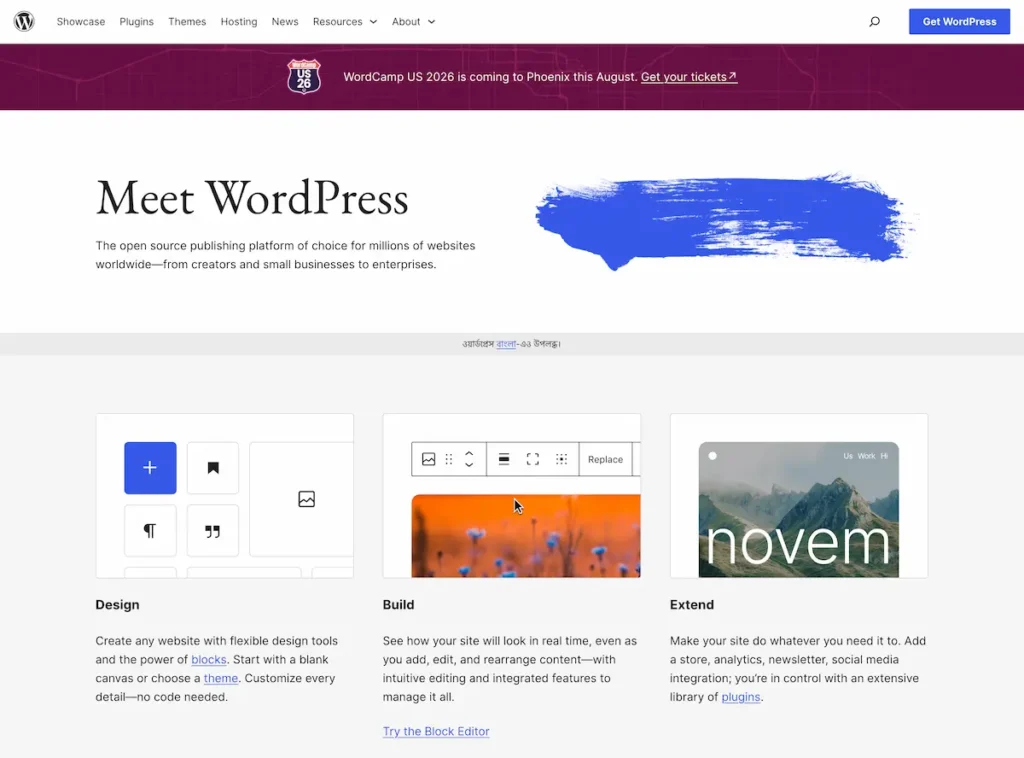
WordPress.org is the free, open-source WordPress software that you download and install on your own web hosting. It’s often called “self-hosted WordPress” because you’re responsible for the hosting, and in return you get total control — install any theme or plugin, edit any code, run ads, and own every part of your site.
This is the version powering a huge share of the web. If you’ve read my guide to what WordPress is, this is the WordPress it’s talking about. The trade-off is that you handle setup, updates, and security (though good hosts and plugins make that easy).
Best for: business sites, growing blogs, online stores, portfolios — anyone who wants room to grow.
What Is WordPress.com?
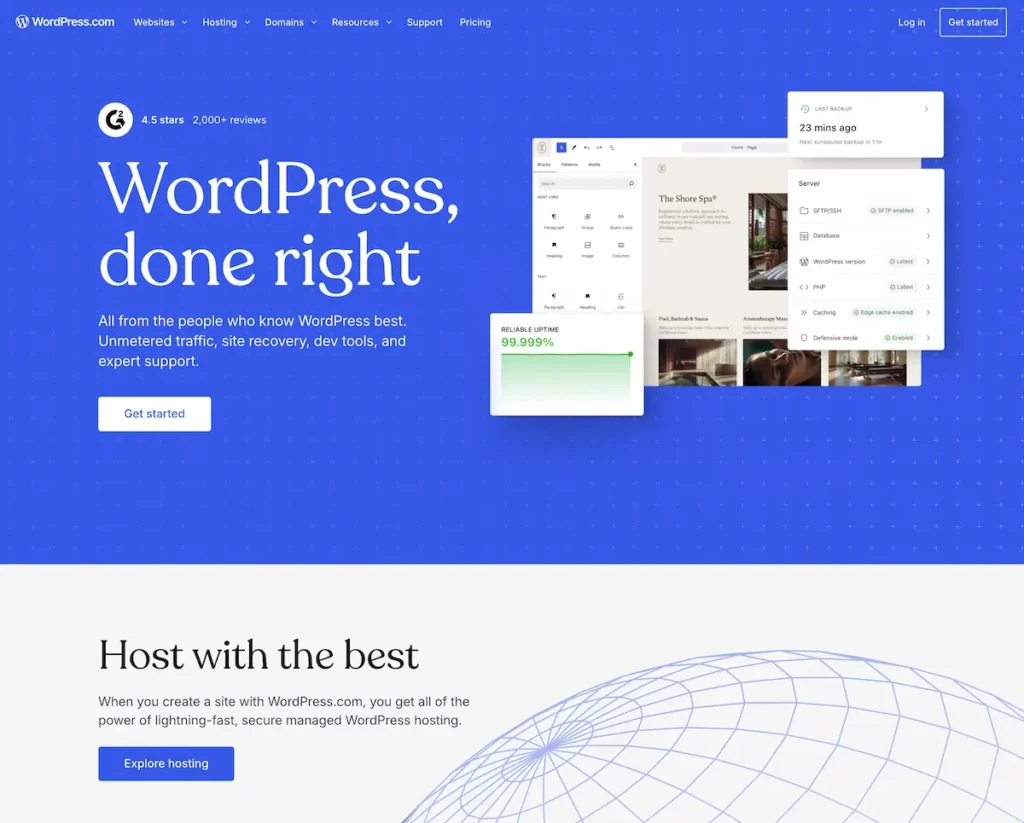
WordPress.com is a hosted platform, run by a company called Automattic, that takes the WordPress software and manages the hosting, updates, and security for you. You sign up, pick a plan, and start writing — no installation needed. It’s the more “done-for-you” option.
The convenience comes with limits, especially on the free and cheaper plans: you can’t install custom plugins or themes, you may see WordPress.com branding, and your address looks like yoursite.wordpress.com until you upgrade. Higher-tier plans unlock more, but by then you’re often paying more than self-hosting would cost.
Best for: casual bloggers or hobbyists who want zero maintenance and don’t need custom plugins.
WordPress.com vs WordPress.org: Side-by-Side
Here’s the difference at a glance:
| Feature | WordPress.org (self-hosted) | WordPress.com (hosted) |
|---|---|---|
| Cost | Free software + hosting & domain | Free plan, or paid tiers |
| Who hosts it | You (your hosting provider) | WordPress.com |
| Custom plugins | Yes, all 60,000+ | Only on higher paid plans |
| Custom themes | Yes, unlimited | Limited on lower plans |
| Control/ownership | Full control | Limited by their rules |
| Maintenance | You manage it | Managed for you |
| Best for | Real websites & businesses | Casual, hands-off blogs |
The pattern is simple: WordPress.org trades a little more setup for a lot more freedom. WordPress.com trades freedom for convenience.
Which One Should You Choose?
The right choice comes down to how much control you want versus how hands-off you’d like to be. Match yourself to one of these:
- You want a business site, a store, or a blog you’ll grow → WordPress.org. You’ll want plugins and full control eventually, so start there.
- You want the cheapest, most hands-off hobby blog and don’t care about plugins → WordPress.com free or a low plan.
- You’re not sure but you’re serious about it → WordPress.org. It’s what I set up for virtually every client, because it never boxes you in later.
Honestly, in years of building sites, the only people I steer toward WordPress.com are casual hobby bloggers. Everyone building something they care about goes self-hosted.
How to Get Started with WordPress.org
Ready to go self-hosted? The path is short: pick a hosting provider, register a domain, and install WordPress (usually one click). I’ve covered each step in detail:
- Start with my top hosting providers for WordPress to choose where your site lives.
- Then follow my step-by-step guide to installing WordPress — it takes about five minutes.
- After that, grab a few must-have plugins and you’re up and running.
Conclusion
Two WordPresses, one simple rule: WordPress.org for control, WordPress.com for convenience. For most people reading this — anyone building a real website they want to own and grow — self-hosted WordPress.org is the answer, and it’s not a close call.
Now that the confusion’s gone, you can move forward with confidence. Which one fits your project? If it’s a site you’re serious about, get some hosting, install WordPress.org, and start building today.
Frequently Asked Questions
Is WordPress.org really free?
The WordPress.org software is 100% free and open-source. What you pay for is web hosting and a domain name — the things the software runs on — usually a few dollars a month.
Is WordPress.com free?
It has a free plan, but it comes with limits: WordPress.com branding, a .wordpress.com address, and no custom plugins. Removing those limits requires a paid plan.
Can I move from WordPress.com to WordPress.org later?
Yes. You can migrate a WordPress.com site to self-hosted WordPress.org, but it’s easier to start on the right one — choose .org from the beginning if you’re serious.
Which is better for SEO?
WordPress.org, because it lets you install SEO plugins and control every technical detail. WordPress.com’s lower plans limit those options.
Which one do most businesses use?
Most businesses and professional sites use self-hosted WordPress.org for its flexibility, plugin access, and full ownership.
Do I need coding skills for WordPress.org?
No. Modern hosts offer one-click installs and WordPress itself is no-code — you manage everything through a visual dashboard.
You May Also Like
-

Kadence Blocks Default Settings
Just installed Kadence Blocks and wondering which Kadence Blocks settings… -
Kadence Blocks for WordPress
Building your WordPress site with Kadence Blocks? Good choice. It’s… -
Build a Homepage with Kadence Blocks
Ready to build a homepage with Kadence Blocks and not…