
- WP Plugins
- |
- WordPress
Kadence Blocks for WordPress: The Complete Guide
By Ehasanul Haque
Posted on September 19, 2026
Building your WordPress site with Kadence Blocks?
Good choice. It’s the plugin behind every website Onylogy has shipped, somewhere over a hundred of them, including this one.
Here’s the catch. Most Kadence Blocks guides are a tour of the block list. You finish them knowing what a Row Layout is and still not knowing why your headings look different on every page.
This Kadence Blocks guide is different. It’s built on one idea, and every post it links to is a consequence of that idea:
Kadence Blocks is a set of layout and design blocks for the native WordPress editor that inherit their colours, fonts, and spacing from the theme. Configure the site once in the Customizer, and build page by page from blocks that already match.
Understand that, and the block-by-block detail stops being trivia. You’ll know what to set, what to leave alone, and why your pages suddenly all match.
Brand new to WordPress? Start with what WordPress is and how the block editor works. This guide assumes you have a site and you’re deciding how to build its pages.
Let’s dive in.
Key Takeaways
- Kadence Blocks extends the WordPress editor; it doesn’t replace it. Pages stay ordinary block-editor pages.
- The configuration is the theme’s Customizer, not the plugin’s settings. Palette, fonts, container width, buttons.
- Free builds a complete site. Pro adds Query Loop and dynamic content, which is what most business sites end up needing.
- Eight blocks do almost all the work: Row Layout, Section, Advanced Text, Advanced Button, Advanced Image, Tabs, Accordion, Advanced Form.
What Is Kadence Blocks?
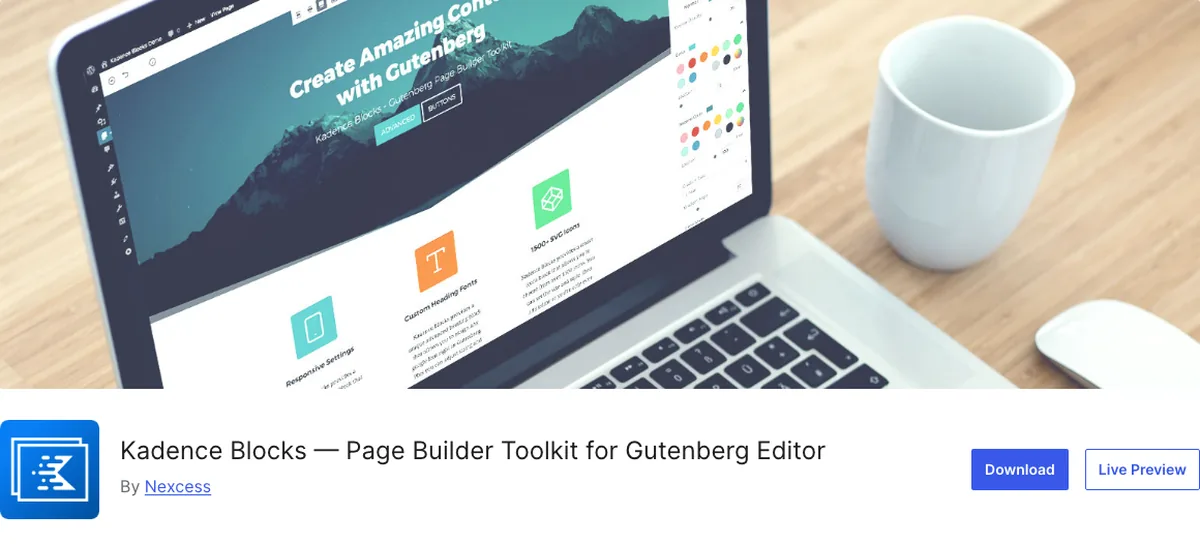
Kadence Blocks is a free WordPress plugin that adds 34 layout and design blocks to the block editor, from Row Layout and Advanced Text to Tabs, Accordion, Advanced Form, Gallery, and Testimonials, plus a paid Pro addon with 13 more, led by Query Loop.
It has 600,000 active installs and a 96 out of 100 rating from 332 reviews on WordPress.org, at version 3.7.10 as of September 2026.
In plain words: it gives you the pieces a small business site needs (sections, columns, cards, tabs, forms) inside the editor you already use.
It’s made by Kadence, which became part of Liquid Web. And it pairs with the free Kadence theme: the two are designed to share one palette and one type scale.
That pairing is the whole point. More on it below.
One small thing about the names, because it will confuse you on day one. Advanced Text, Advanced Button, Advanced Image, Advanced Gallery, Advanced Form. “Advanced” doesn’t mean there’s a basic version you should use first. It just means “not the core WordPress block.” Read “Advanced Text” as “Text” and you’ll be fine.
What Can You Build With Kadence Blocks?
Almost any small business website you can picture. Here’s what you get out of the free version alone:
- A homepage with a hero, a feature grid, a testimonials band, and a call to action.
- Service pages with tabs or accordions for the details nobody wants to read twice.
- A contact page with a working form and a map, no extra plugin.
- A portfolio or gallery of your work.
- A blog that looks like the rest of the site, because it inherits the same styles.
The homepage you’re reading this on is 19 Row Layouts, 39 Sections, and 23 Advanced Text blocks. Nothing else. If you can build a page in the normal editor, you can build that.
What Kadence Blocks Is Not
It is not a page builder.
There’s no separate canvas. No drag-anywhere positioning. No proprietary content format.
Deactivate it, and your pages fall back to plain block-editor content with the styling removed. You keep your content. You lose only the polish. That’s the entire difference from Elementor, and it’s the reason the choice matters more in year three than on launch day.
Why Use Kadence Blocks? The Real Reasons
You’ll read a lot of feature lists. Here’s what actually makes the difference on a real site.
1. Your Pages Stay Yours
Every Kadence block is a native WordPress block.
You build pages in the same editor you write posts in, with the same undo, the same revisions, and no second interface to learn.
Six months later, you open the page and you edit the heading. There’s no builder to relaunch.
2. It’s Fast by Default
The plugin only loads CSS and JavaScript for the blocks actually used on a page.
A page with three blocks loads three blocks’ worth of code, not the whole toolkit.
That’s the single biggest reason your Kadence site will be lighter than a page-builder site with the same layout.
3. Free Builds a Whole Site
The free version covers sections, columns, cards, galleries, tabs, accordions, testimonials, and forms.
You don’t need Pro to launch.
You’ll need Pro when your site starts showing lists of its own content (recent projects, latest posts) on designed pages. That’s Query Loop, and it’s the one upgrade that matters.
4. It Grows With You
Every WordPress release adds to the block editor, and Kadence builds on top of that.
You’re not betting on a third party’s roadmap. You’re betting on WordPress itself.
The One Idea: Blocks Inherit the Theme
This is the part to read twice.
Set the nine-slot global palette, the base and heading fonts, the heading scale, the button style, and the container width in Appearance > Customize.
Every Kadence block starts from those.
A heading block set to h2 is the site’s H2, in the site’s font, at the site’s size, in the site’s heading colour, without a single setting on the block.
Change the H2 once, and every page follows. You never touch the block.
That’s why, on onylogy.com, every Kadence Blocks-specific option is still at its factory default after all these builds. It’s why the settings post is mostly about what not to touch. And it’s why the block posts below keep saying the same thing: set the tag and stop.
Get this right and you’ll never style the same heading twice. Get it wrong and you’ll be fixing colours on every page for years.
The Guide, Post by Post
Each post below is introduced by the question it answers, so you can go straight to the one you’re stuck on. You don’t need to read them in order.
Foundation
Where does the configuration live? In the Customizer, not the plugin. Kadence Blocks Default Settings: How We Configure Every New Client Build shows the empty options table on this site, the six Customizer values that do the real work, and three traps in the Advanced Text block.
Do you need Pro? Only if your site shows lists of its own content on designed pages. Kadence Blocks Free vs Pro: What You Actually Need makes the case that Query Loop is the upgrade and the other twelve Pro blocks are extras, with 2026 pricing ($99 a year gets the bundle).
How do you set the palette and fonts so the site can be restyled later? By role, not by colour. Kadence Global Palette & Typography: How We Set Up Design Tokens has the nine slot roles, the clamped heading scale, the named spacing values, and the colorClass gotcha.
The Blocks
Which block are your headings and paragraphs? The same one. Kadence Advanced Heading Block: Text Headings Explained covers the block that’s 23 of the blocks on this homepage, why it defaults to H2, the three uses (heading, paragraph, label), and why it isn’t the Advanced Header block.
How do you build a section? One pattern, repeated. Kadence Row Layout Block: Building Sections Without a Page Builder shows the shell behind all 19 Row Layouts on this homepage, the six settings that matter, and the alignment setting whose name is backwards.
Info Box or a Section for cards? Section, unless the card is icon, title, text, and a link. Kadence Info Box Block: Icons, Feature Grids, and Cards Explained explains why this site has zero Info Boxes and the one case where it wins.
How do you show testimonials that people believe? Name, place, face, one at a time. Kadence Testimonials Block: How to Add Social Proof That Converts shows the block and the settings that make it credible.
Tabs or accordion? Accordion for “might want,” tabs for “must choose.” Kadence Accordion & Tabs Blocks: Organize Content Without Extra Plugins uses the real settings from this site’s seven-question FAQ and four-tab services section.
Is a portfolio a gallery? No. Kadence Advanced Gallery Block: Building Image Grids and Portfolios covers the three defaults that decide a gallery’s weight and why the portfolio on this site is a Query Loop.
Do you need a form plugin? No. Kadence Advanced Form Block: Building Contact Forms Without a Third-Party Plugin walks through the five-field contact form on this site, the block that replaced the old Form block, and the email delivery step that decides whether any form works.
The Build
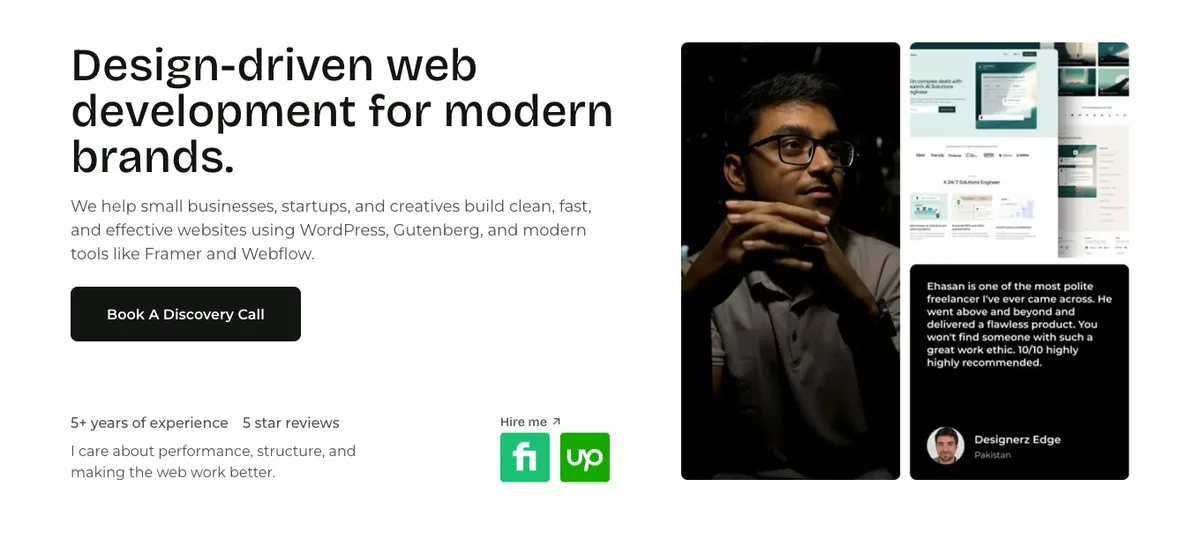
How do the blocks become a page? Nine sections, in the order a visitor asks questions. How to Build a Homepage or Landing Page with Kadence Blocks is this site’s homepage, section by section, with the landing-page version at the end.
The Comparisons
Kadence Blocks or Elementor? One question: complex custom design, or simple and fast? Kadence Blocks vs Elementor: Which Should You Choose? answers it honestly in both directions.
Kadence Blocks, Spectra, or Stackable? Pick by where the styles come from. Kadence Blocks vs Spectra vs Stackable, including the 2026 Spectra split that most comparisons haven’t caught up with.
What goes wrong? Nine specific things, two of them found on this very site. Common Kadence Blocks Mistakes (and How to Fix Them) with the exact setting behind each and a ten-minute audit.
Coming Later
Two posts in this cluster are still being written: Kadence Blocks vs GenerateBlocks and Is Kadence Blocks Good for SEO and Site Speed? Both need real numbers from the same page built both ways on the same host. Once that test is done, they’ll be linked here.
The Eight Blocks That Do the Work
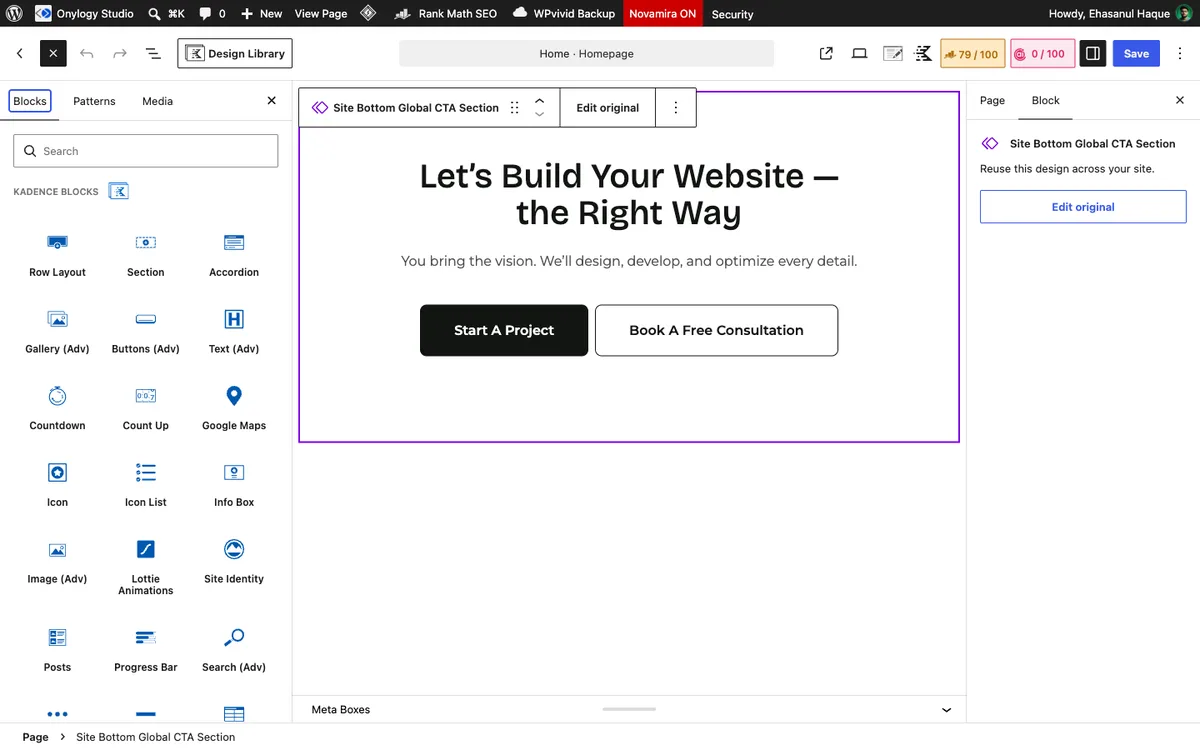
Want the short version of thirteen posts? Here it is.
| Block | What it’s for | The one setting |
|---|---|---|
| Row Layout | Every section and every grid | Named padding, full-width alignment |
| Section | Every column and every card | Padding, 8px radius, direction |
| Advanced Text | Every heading, paragraph, label | The HTML tag |
| Advanced Button | Every button | Inherit the theme style |
| Advanced Image | Every image inside a layout | Size slug, radius, lazy-load off on the hero |
| Tabs | Variants of one thing | Mobile layout |
| Accordion | FAQs and optional detail | Start collapsed, h3 titles |
| Advanced Form | Contact and quote forms | Five fields, SMTP tested |
Plus Query Loop from Pro, if your site shows its own posts or projects on designed pages.
Learn these eight, and you can build almost any small business site.
That’s not an exaggeration. It’s what the homepage of this site is made of.
Is Kadence Blocks Free?
Yes. The core plugin is free on WordPress.org, and it builds a complete site.
Pro is sold in Liquid Web’s Kadence bundles from $99 a year (kadencewp.com, September 2026). It adds Query Loop, dynamic content, and twelve more blocks.
Most small sites never need it. Business sites that show their own projects or posts on designed pages usually do. The free vs Pro post helps you decide in five minutes.
Do You Need the Kadence Theme?
No, the blocks work on any theme you like.
But the tight inheritance of palette and typography from the Customizer is a Kadence-theme feature, and it’s the main reason to pair them. On another theme you’ll set colours and fonts per block, which is exactly the work this guide is trying to save you.
If you’re choosing a theme first, the KadenceWP overview covers the theme side.
Which Setup Should You Copy?
- New site on the Kadence theme: Customizer first (palette and type), then the homepage shell, then Pro only if a Query Loop is needed.
- Existing Kadence site that looks inconsistent: the ten-minute audit.
- Deciding between Kadence and a page builder: the Elementor comparison, then the page builder roundup for the wider field.
- Deciding on a theme first: the KadenceWP overview.
Not sure where you fit? Start with the settings post. It’s short, and it stops you making the mistake everyone makes first. You’ll thank yourself later.
Final Thoughts
One plugin, one idea, thirteen posts of consequences.
Blocks inherit the theme. Configure the theme. Set the tag and stop.
Do that, and Kadence Blocks becomes the easiest way to build a fast WordPress site without a page builder. Plain and simple.
Over to you: which question brought you here, and did the post it points to settle it? Let me know in the comments.
Frequently Asked Questions
What is Kadence Blocks?
A free WordPress plugin that adds 34 layout and design blocks to the native block editor, including Row Layout, Advanced Text, Tabs, Accordion, Advanced Form, Gallery, and Testimonials. A Pro addon adds 13 more, led by Query Loop. Blocks inherit the theme’s colours and fonts.
Is Kadence Blocks free?
Yes. The core plugin is free on WordPress.org with 600,000 active installs (September 2026). Pro is sold in Liquid Web’s Kadence bundles from $99 a year.
Do I need the Kadence theme to use Kadence Blocks?
No, the blocks work on any theme. The tight inheritance of palette and typography from the Customizer is a Kadence-theme feature, and it’s the main reason to pair them.
Is Kadence Blocks a page builder?
No. It extends the WordPress editor with blocks rather than replacing it with a canvas. Pages remain standard block-editor content and fall back cleanly if the plugin is removed.
Which Kadence blocks should I learn first?
Row Layout and Section for structure, Advanced Text for every heading and paragraph, Advanced Button, and Advanced Image. Those five build most of any page.
Is Kadence Blocks good for SEO?
Its output is the theme’s own HTML with proper heading tags when you set them, and it loads block assets only where used. A full speed and SEO comparison is planned once there’s a benchmark to publish.
Kadence Blocks or Elementor for a small business site?
Kadence Blocks, unless the design needs layered, animated, free-positioned layouts. It’s simpler to maintain, easier for you to edit, and has no proprietary lock-in.
You May Also Like
-

Kadence Blocks Default Settings
Just installed Kadence Blocks and wondering which Kadence Blocks settings… -
Build a Homepage with Kadence Blocks
Ready to build a homepage with Kadence Blocks and not… -
Kadence Blocks vs Spectra vs Stackable
Looking for the best Gutenberg block plugins and finding the…